
JUNTO — Project portfolio and team capacity interfaces
Projects can make progress while a team’s week fills up. JUNTO brings both views into one Arabic workspace: weighted milestones explain delivery, while a weekly map shows each person’s commitments across projects.
Explore the project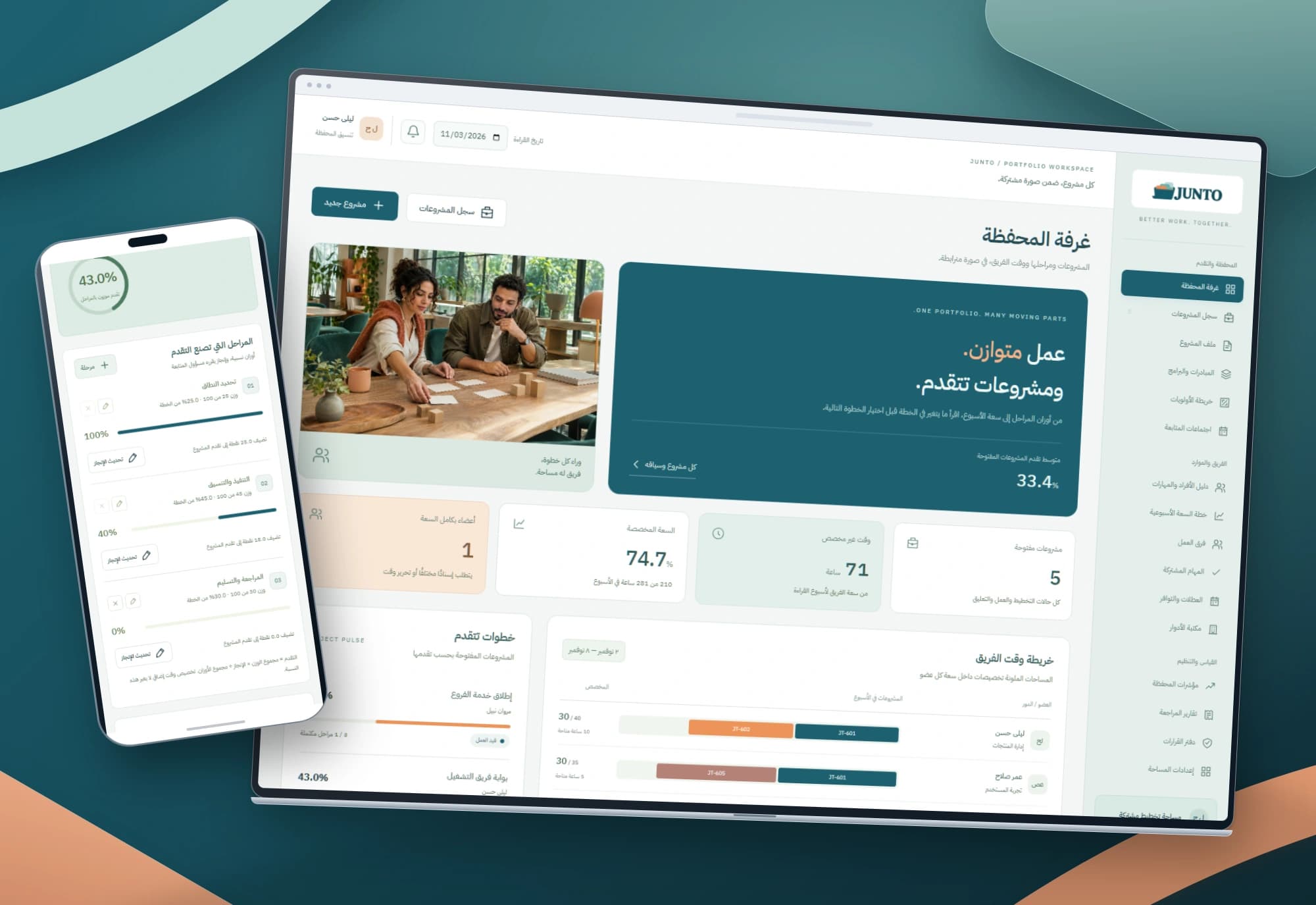 1 / 1
Project information
- Client
- An original Nextwave project
- Sector
- Professional services
- Platforms
- Web
- Project type
- Business systems
Services delivered
Project overview
A portfolio meeting needs to answer two questions: how far has the work moved, and who has room for its next step? Nextwave designed JUNTO around their connection, moving from the portfolio overview to the project record and each team member’s week.
A portfolio needs a delivery view and a capacity view
Two projects can share a progress percentage while carrying very different remaining milestones. A person may also appear available inside one project while being committed elsewhere. Separate views make the next decision harder to read.
We defined two explainable measures: delivery progress calculated from milestone weights, and weekly capacity that includes a person’s allocations across the portfolio. Each keeps its own rules while sharing the project’s context.
Three pages move from the overview to the next decision
The portfolio room brings open projects, unallocated time, capacity use and fully booked members into view. Colored segments show how one person’s week is split, with links back to the relevant project records.
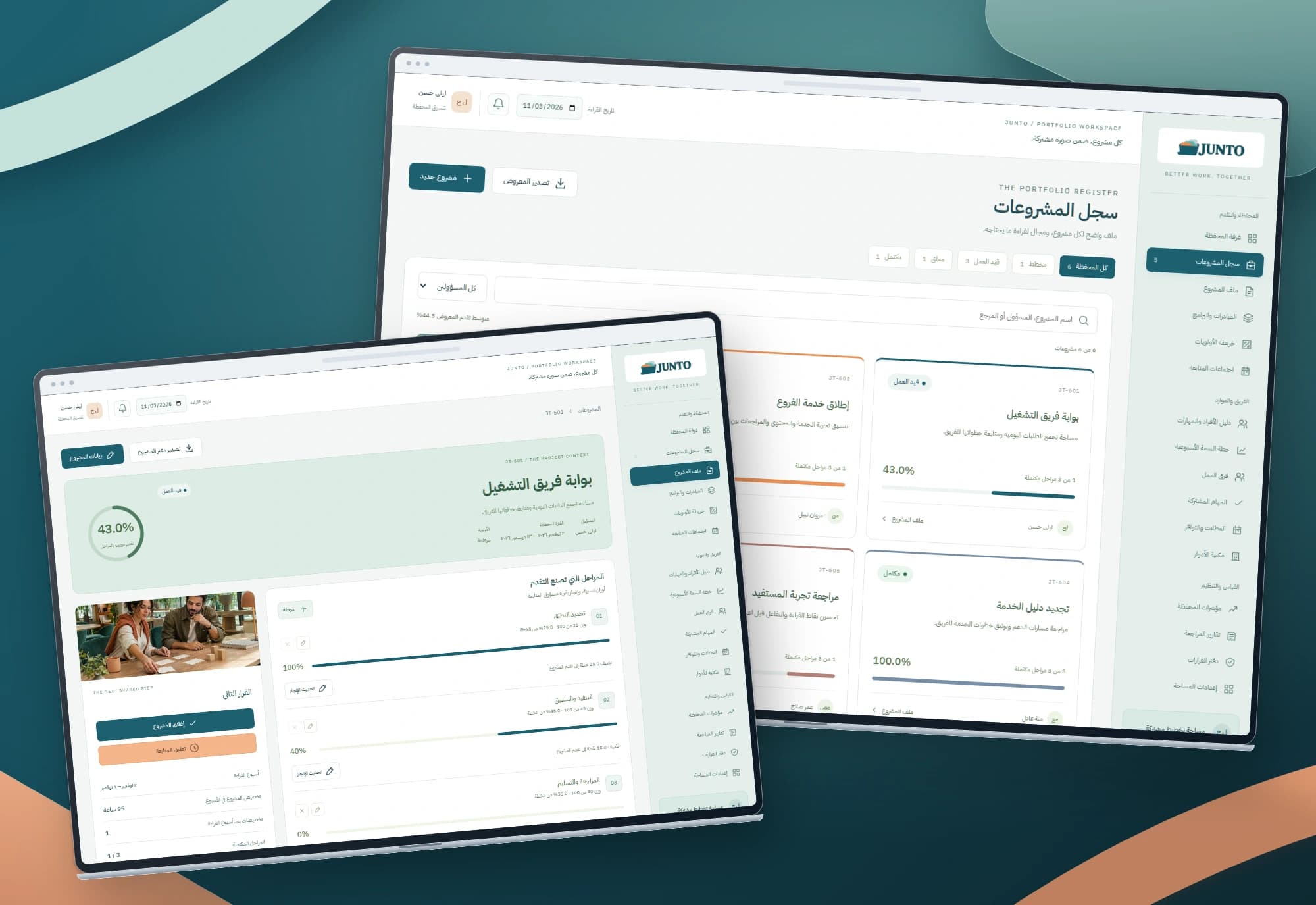
The register supports search, owner and status filters, and export of the displayed records. The project page connects its scope, dates, priority, milestones, allocations and decisions, keeping the reason for a change beside its effect.
Numbers that can be traced back to their rules
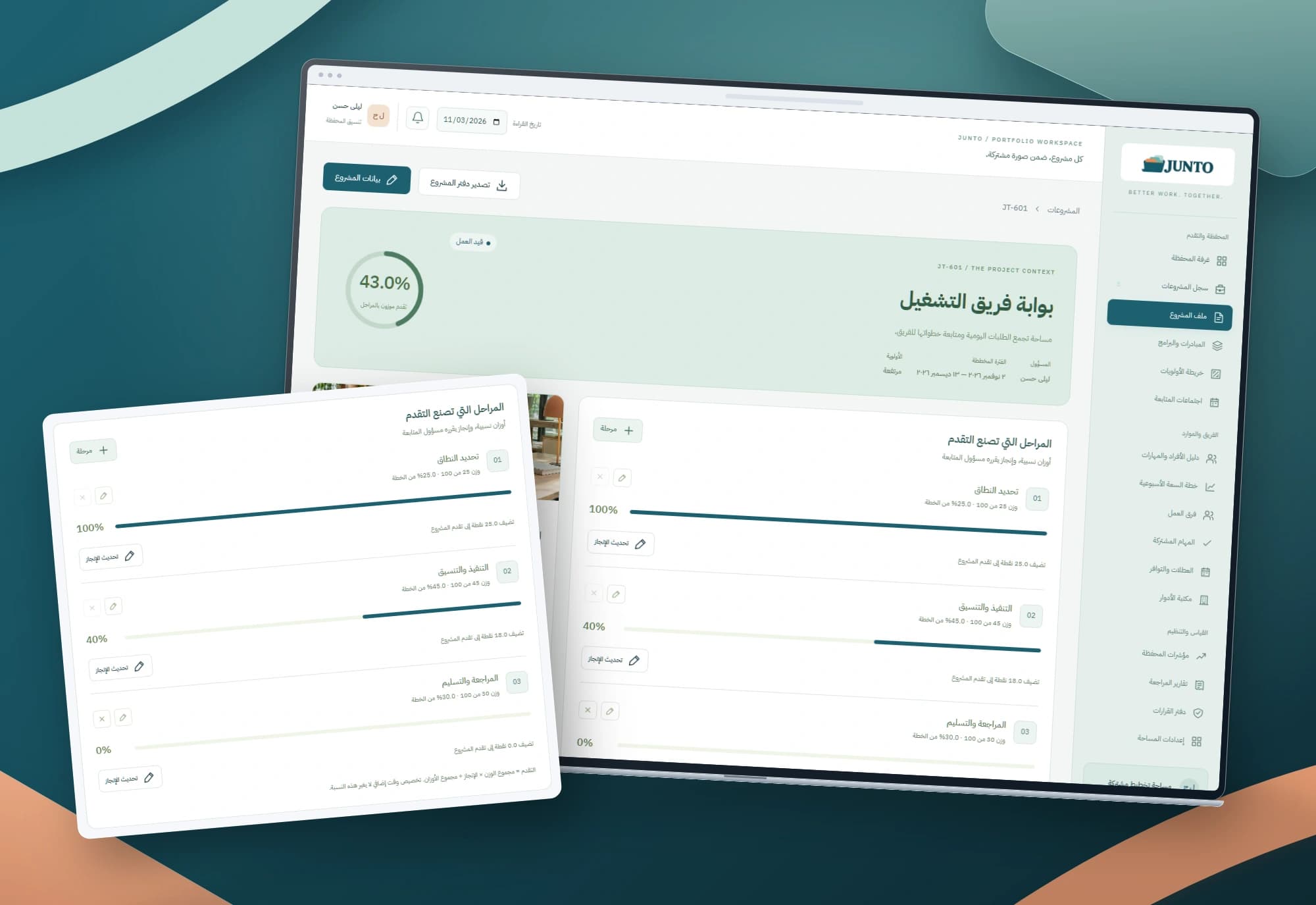
A milestone’s weight is relative to the project’s total weight; its completion is entered by the user. Progress is the weighted completion sum divided by total weight. Adding planned hours leaves that calculation unchanged, and the portfolio average identifies the projects it includes.
Time is stored as integer quarter-hour minutes, accepting Arabic and Latin digits. Capacity checks include every unreleased allocation for the person and week, including paused projects. Editing excludes the allocation being corrected so its hours are not counted twice.
Project images
Explore the interface and experience through the project gallery.
 1 / 3
Use case: build progress around the project’s actual stages
A coordinator creates a project with a description, owner, priority and planned dates. Its record starts in planning with three zero-progress milestones. Names and weights can be adjusted, and further milestones added before delivery is followed.
Once work starts, the coordinator records milestone completion with a note. Reweighting a milestone that already has progress requires a reason. Removing a zero-progress milestone also needs a reason, and at least one milestone remains. The percentage stays tied to an understandable plan.
Use case: plan a week shared by several projects
The owner chooses a day in the week, a team member and the required hours. JUNTO checks that person’s commitments in other projects before accepting the allocation. With 30 hours reserved against 35 hours of capacity, five remain; a six-hour allocation is rejected with the available amount explained.
A changed plan can be corrected or released with a reason, while the allocation record remains. Pausing a project keeps its reserved time until an explicit release. This is a view of planned capacity; attendance and measured working time sit outside this scope.
Use case: close a project without erasing the team’s plan
After every milestone reaches 100%, the owner checks reservations beyond the reading week. The record prevents closure while later weeks remain booked, requiring those allocations to be released and a closing note entered first.
Current and historical allocations remain. Closure stores its own closing-week snapshot, so reading an earlier week does not rewrite the decision. A reasoned reopening can resume work while preserving the earlier closure event.
A calm identity that makes different commitments readable
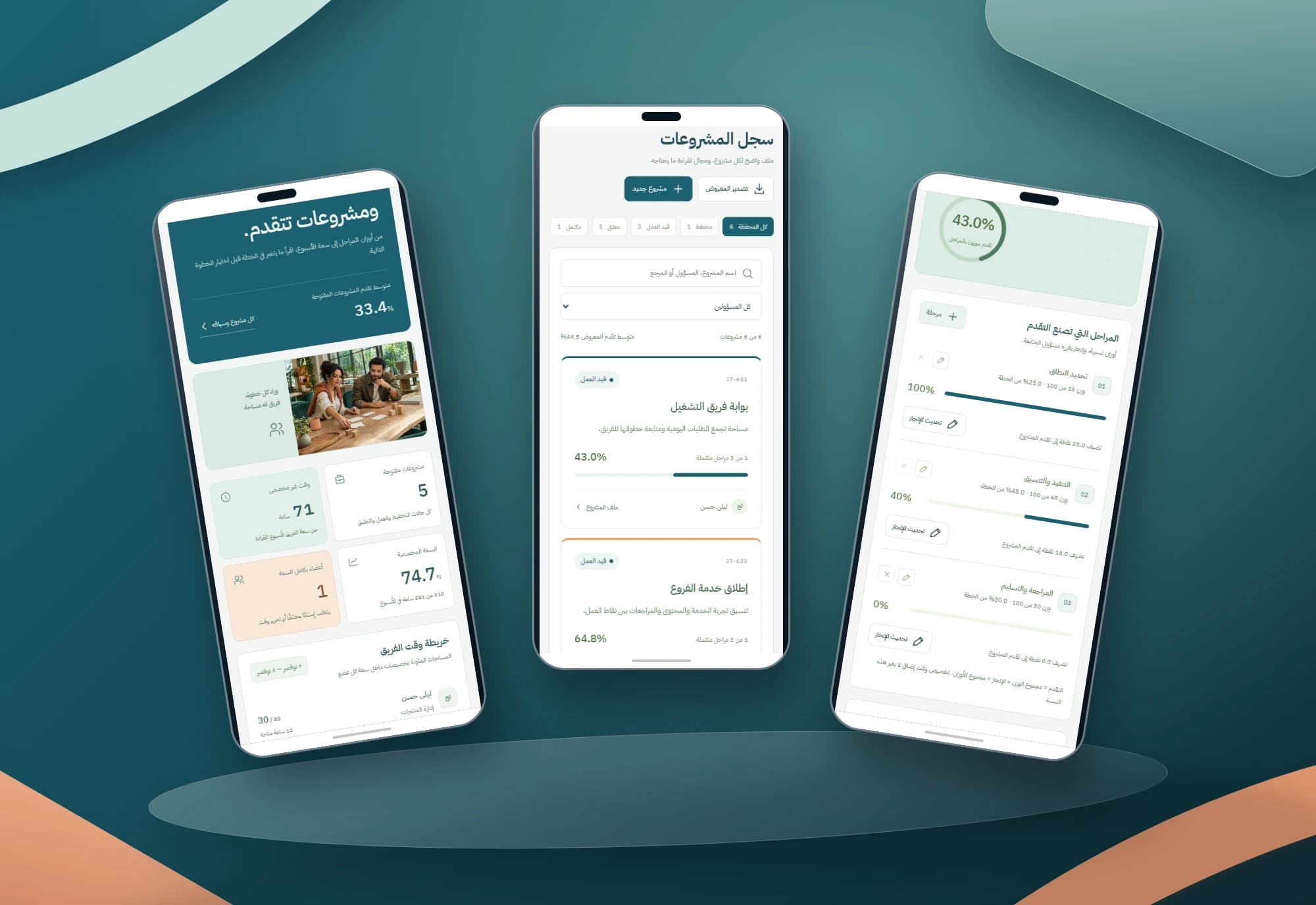
Petrol anchors headings and primary actions, apricot highlights capacity context, and pale surfaces leave room for milestones and numbers. The planning photograph is a generated editorial asset and does not document a customer’s team.
On mobile, the capacity map places each person, their hours and allocation bar together instead of squeezing them into a wide table. All four mockups preserve original interface screenshots on authored brand backgrounds, with no lettering outside the screens.
Implemented scope
The delivered scope is three responsive Arabic HTML, CSS and JavaScript interfaces with browser-local persistence. Review covers calculations, empty states, save failures, export, keyboard use and mobile navigation. The extended menu describes the wider module vision; three destinations are implemented here.
Shared accounts, permissions, synchronization, calendars, attendance and billing require further design and implementation. This study describes the working interfaces and their decision rules without attributing customer outcomes or unimplemented integrations.
Built with
- HTML5
- CSS3
- JavaScript
- localStorage
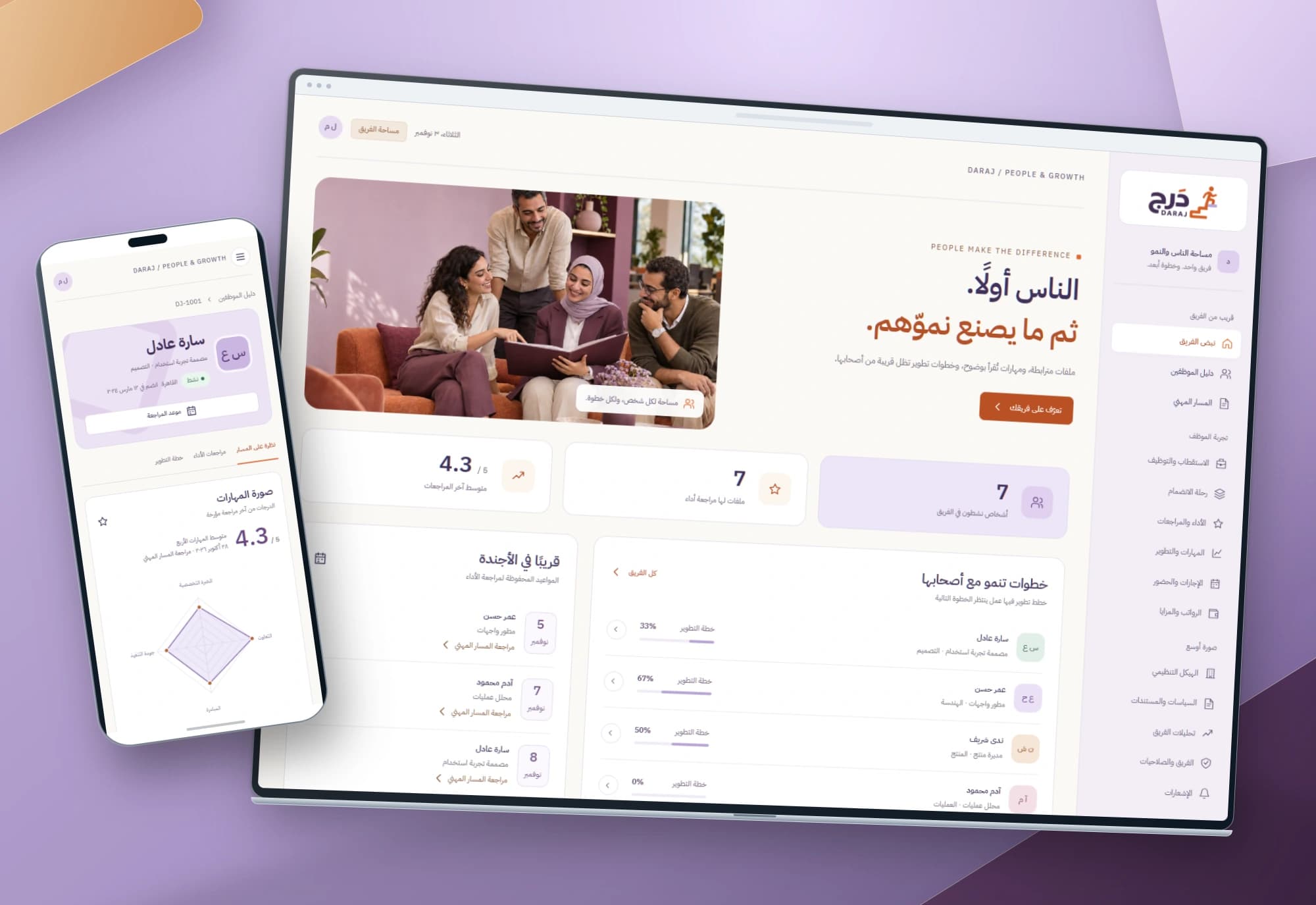
DARAJ — Employee performance and development interfaces
Performance reviews begin with people and lead to clear next steps. DARAJ connects an employee directory with individual skills, dated reviews and a development plan.
Explore project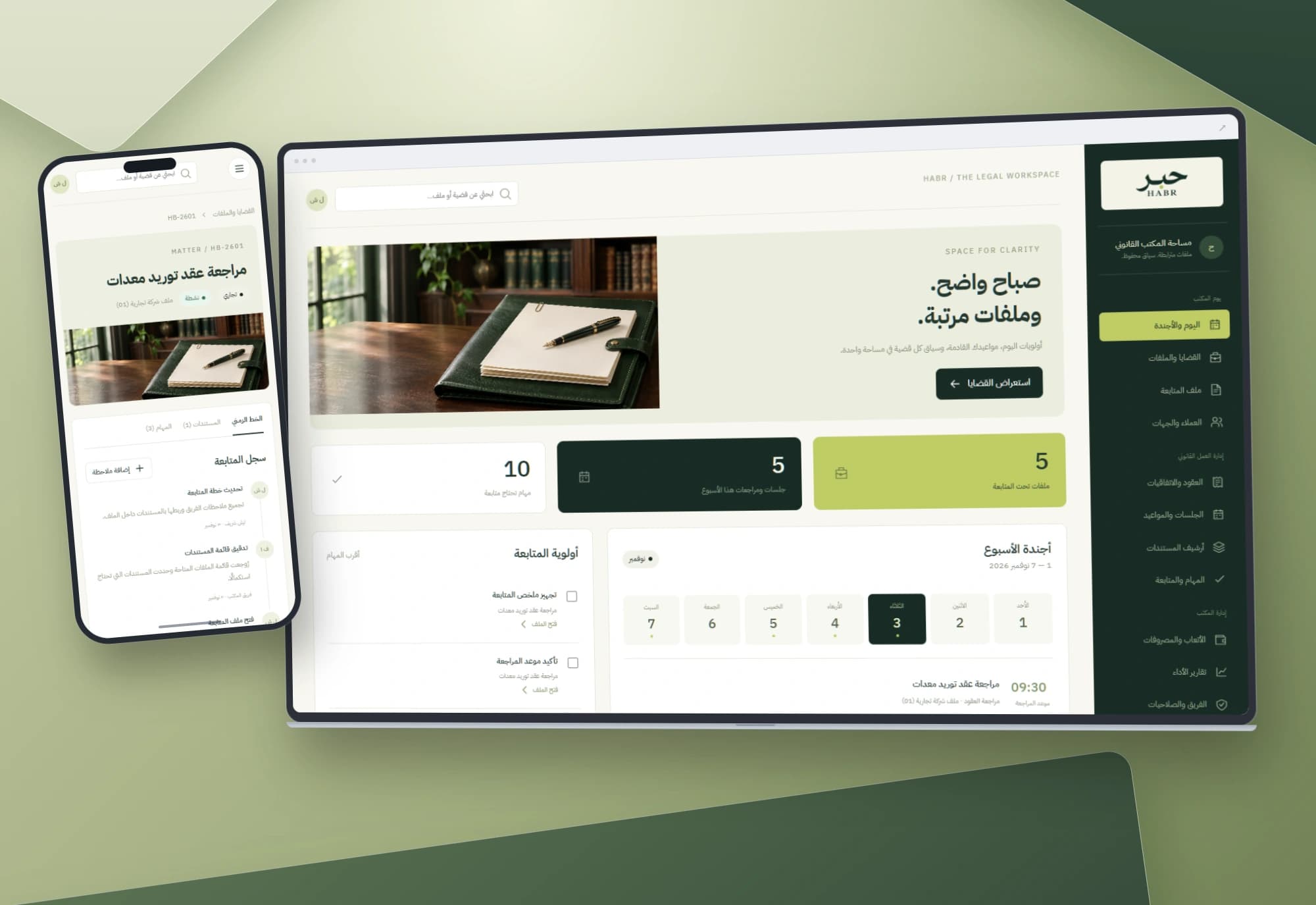
HABR — Legal matters and office workflow interface
Dates, tasks and documents belong to the same matter. An Arabic workspace connects the office agenda to case files and notes, keeping each step in context.
Explore projectHow do your projects share your team’s time?
We start with your project stages, capacity planning and delivery decisions, then define the records, permissions and integrations your work needs.