
HABR — Legal matters and office workflow interface
Dates, tasks and documents belong to the same matter. An Arabic workspace connects the office agenda to case files and notes, keeping each step in context.
Explore the project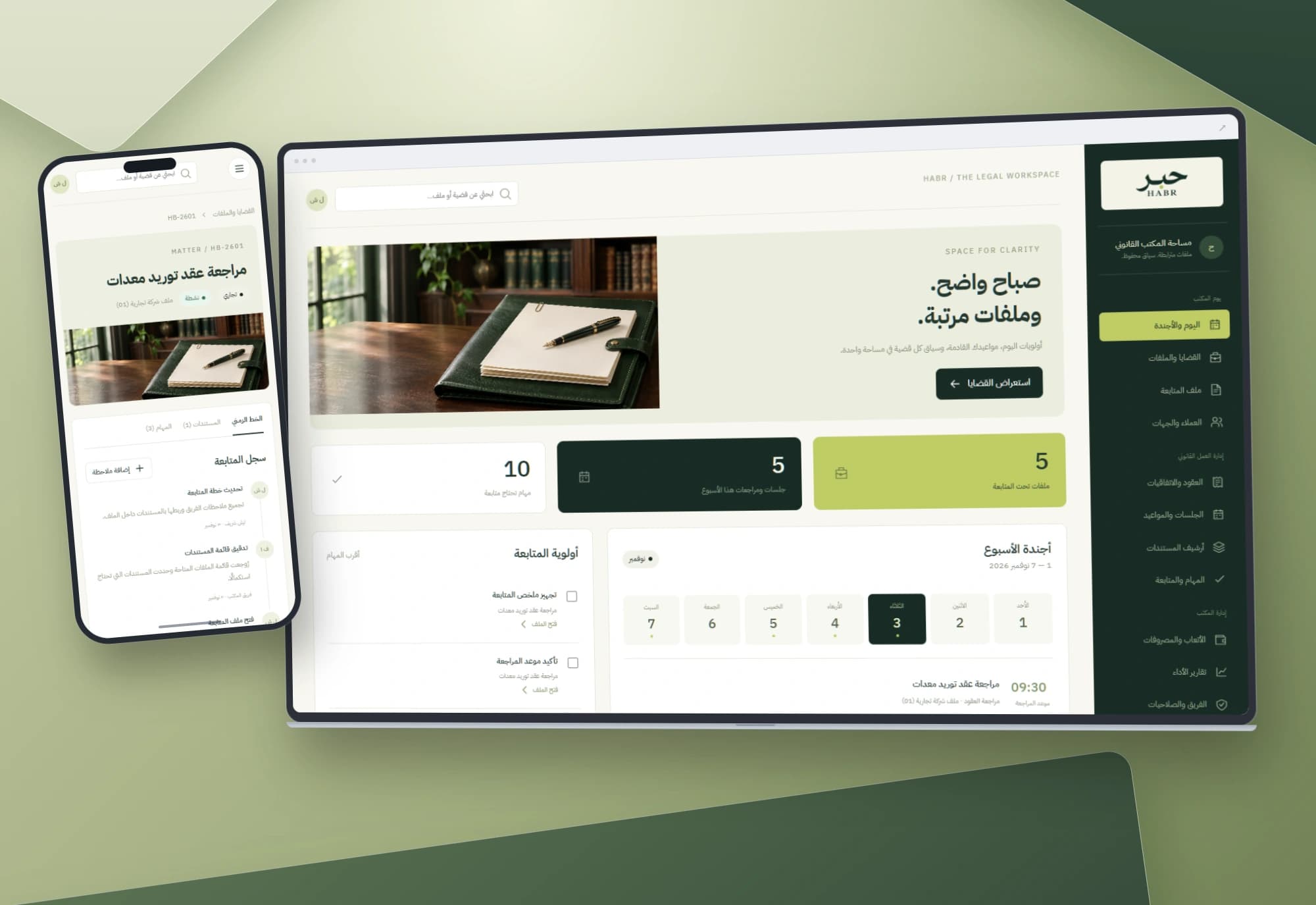 1 / 1
Project information
- Client
- An original Nextwave project
- Sector
- Professional services
- Platforms
- Web
- Project type
- Business systems
Services delivered
Project overview
A legal matter is more than a document: it has dates, tasks, notes and context. HABR starts the office day from the agenda, then connects each piece of work to its matter.
Where the design starts
Dates in a calendar, documents in folders and notes in messages force users to rebuild context before working. A date change also needs to be reflected in the agenda.
The matter file is the connecting point: the agenda leads into it, while tasks, documents, notes and ownership stay close to the relevant record.
How the workspace is organised
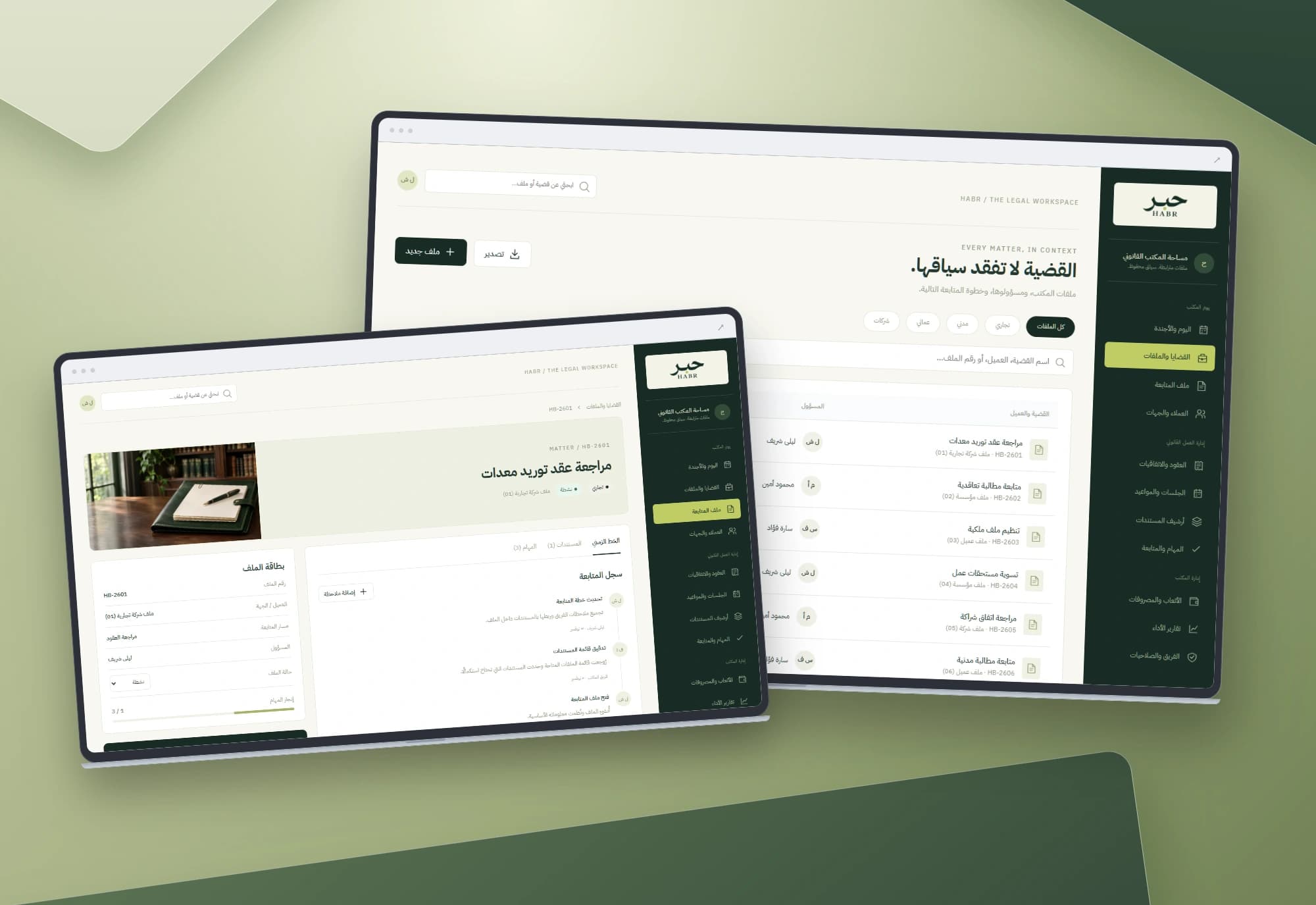
The three screens are a daily agenda, a searchable and filterable matter list, and a matter file with timeline, documents and tasks. A side panel retains ownership and the next date.
Task completion updates the displayed progress, and editing a matter’s date updates its local agenda entry without duplicate entry.
Details that support the workflow
Create a matter, search by title, client or reference, filter by type and status, and export the list. Notes, tasks, progress and the next date stay together. The document tab stores supported files up to 512 KB in the browser and downloads the original file.
Project images
Explore the interface and experience through the project gallery.
 1 / 3
Use case: starting the day from the agenda
Choose a day, open its matter and review the latest notes and tasks. The reference, client and owner distinguish similar files. Editing the appointment inside the matter updates the browser’s agenda, keeping both views consistent.
Use case: following work inside a matter
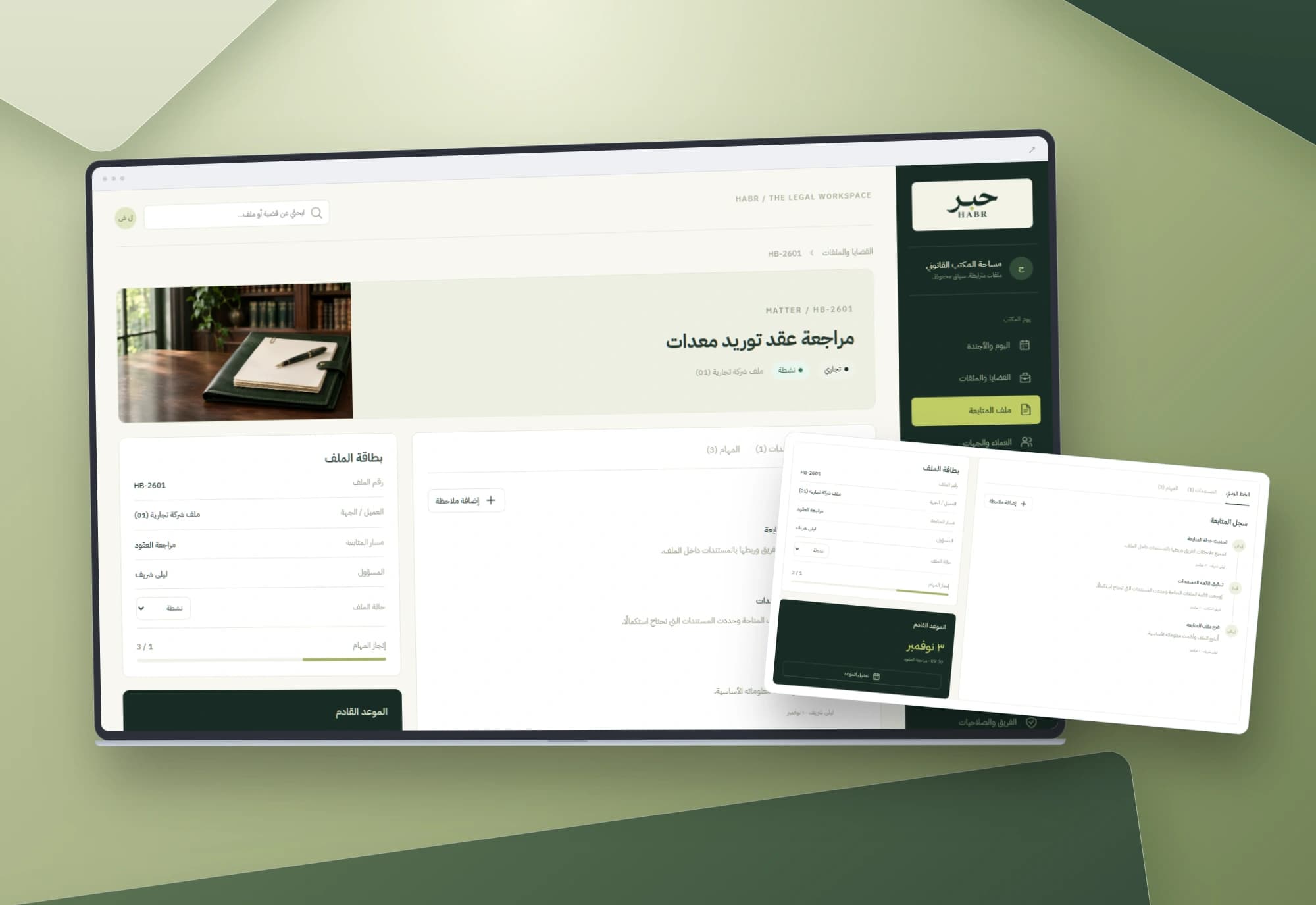
Add a clearly named task to its matter and mark it complete when finished. The progress updates, while a note can explain the action or next step. Status and narrative context complement each other; formal legal records and audit trails have separate requirements.
Use case: attaching a document in context
Choose a supported file within the size limit and give it a clear title. The document appears within its matter and can be downloaded to verify its contents. Browser persistence supports this interface flow; team sharing requires dedicated storage, access controls, retention and backups.
A design that explains itself
Green ink and warm paper tones support long-form reading, with olive accents for completion. The matter content and metadata panel have distinct roles.
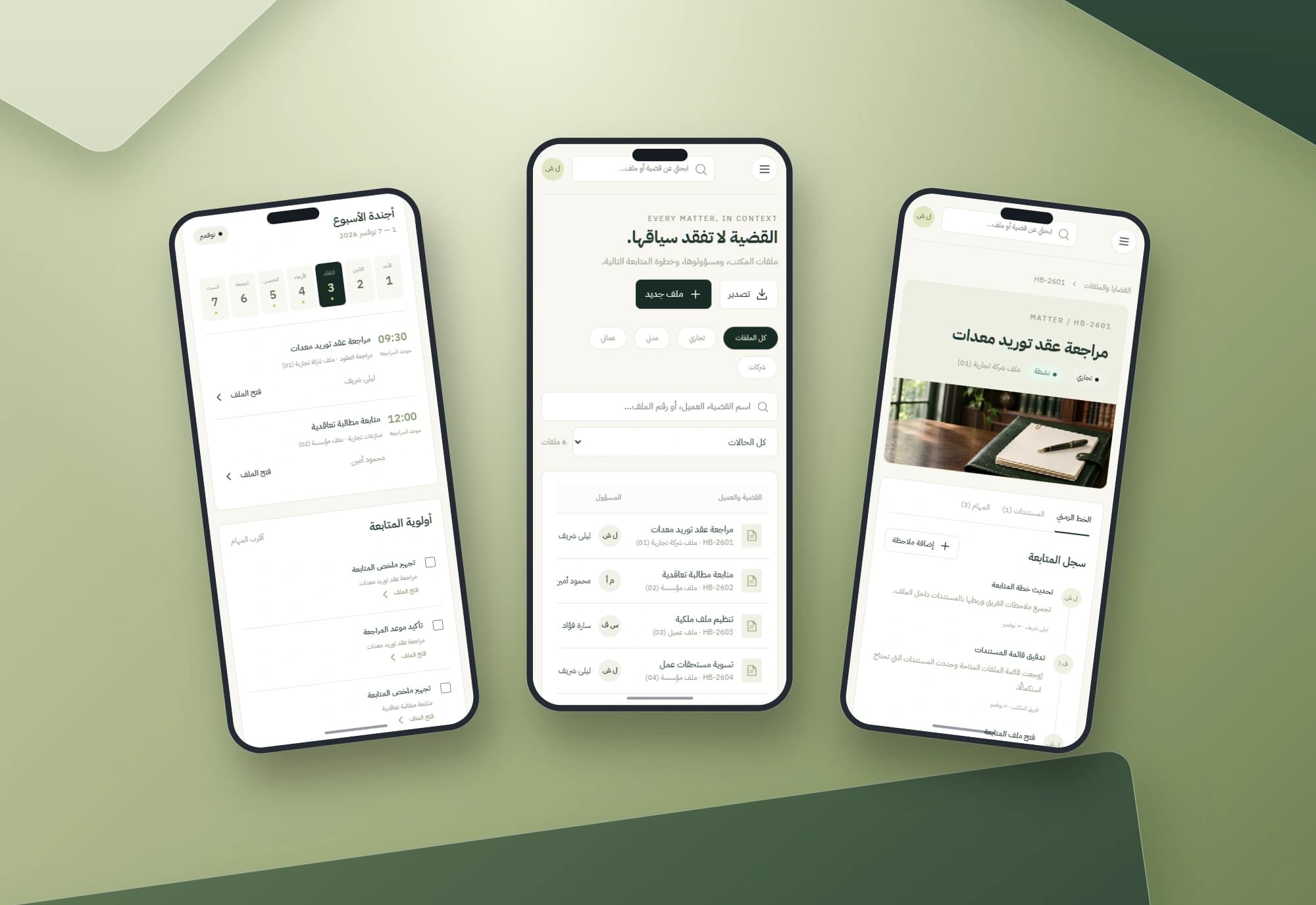
Mobile layouts stack the cards while retaining usable tabs and navigation. Paper-inspired abstract surfaces form the mockup backdrop without external text.
Scope of work
The work covers three Arabic interfaces for the agenda, matter list and matter details, with tasks, notes, documents and browser persistence. The navigation outlines potential office modules. Shared accounts, central document management and external connections depend on the office workflow.
Built with
- HTML5
- CSS3
- JavaScript
- localStorage
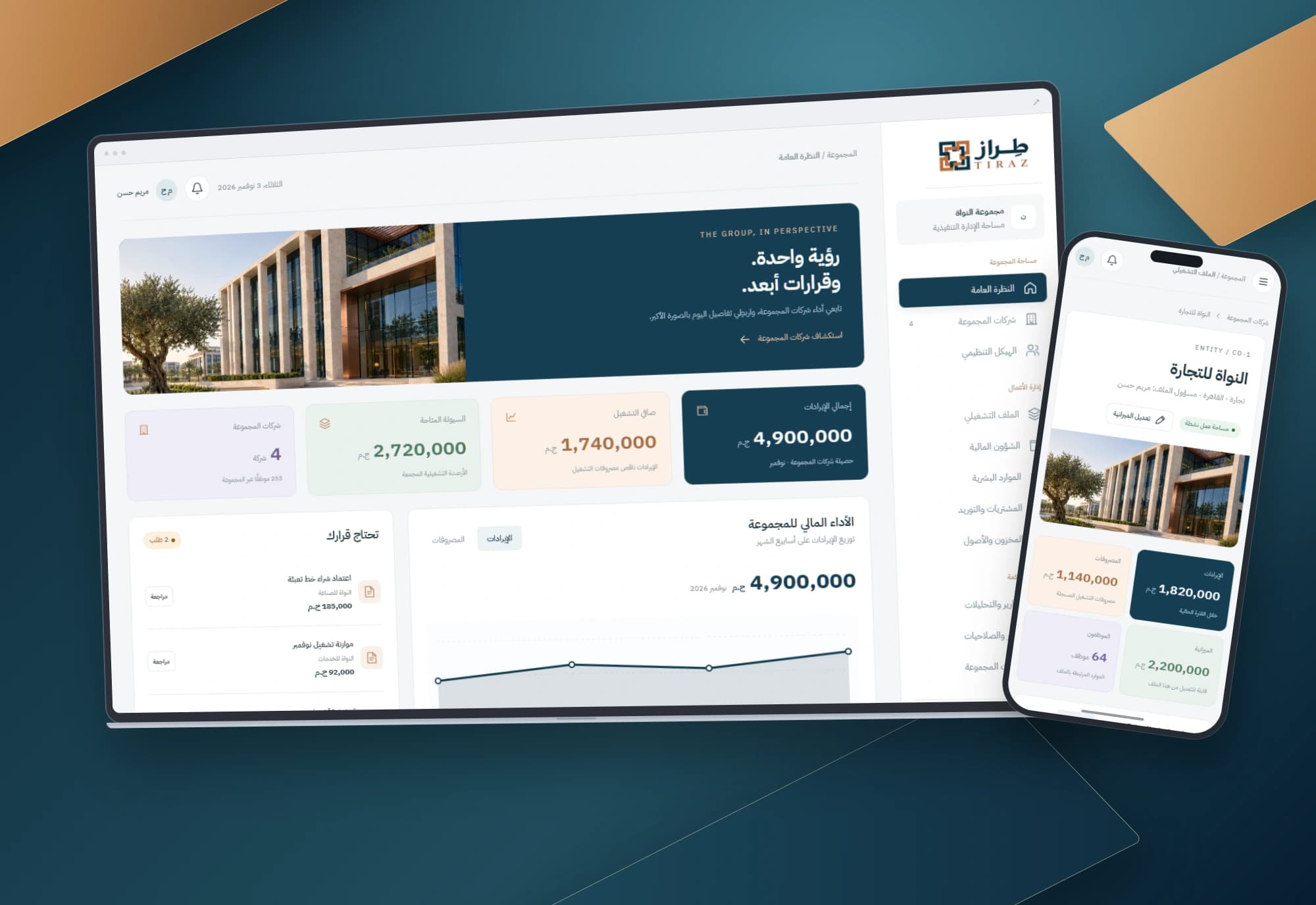
TIRAZ — Group management interface
An Arabic group management interface connecting company indicators, budgets, tasks and review requests, so each decision keeps its context.
Explore project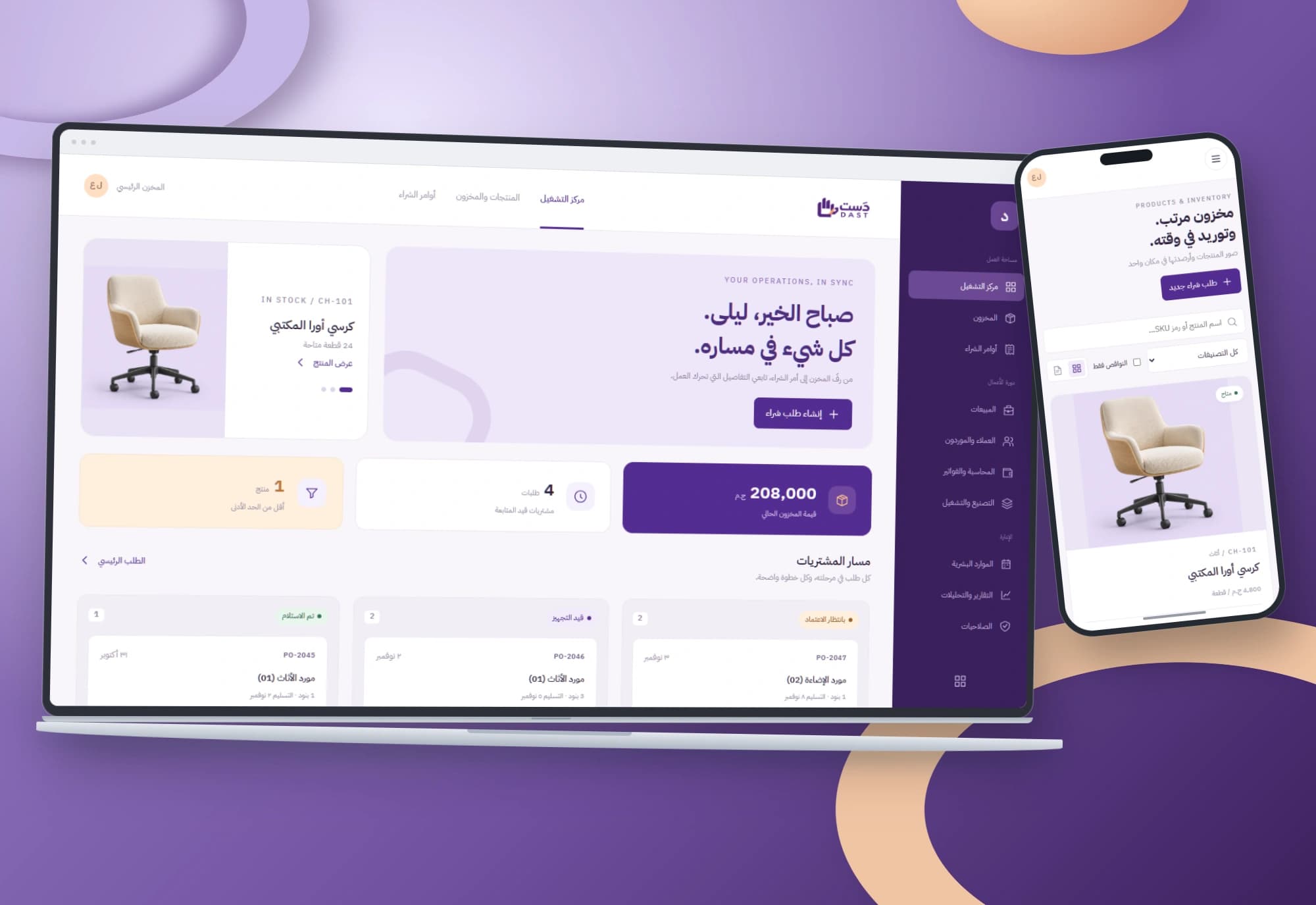
DAST — Purchasing and inventory interface
Every order has a path and every item has a balance. Arabic interfaces connect low-stock alerts, purchase-order review and receipt of its line items.
Explore projectWant legal work connected to its context?
We start with your team’s workflow, then define the data, permissions and integrations needed for a working system.