
QATR — Dispatch, fleet capacity and delivery routes
Before a vehicle leaves, its load, shift and promised arrival windows need to agree. QATR groups distribution orders into capacity- and time-checked routes, then records each stop, failed-delivery load and return in an Arabic-first dispatch workspace.
Explore the project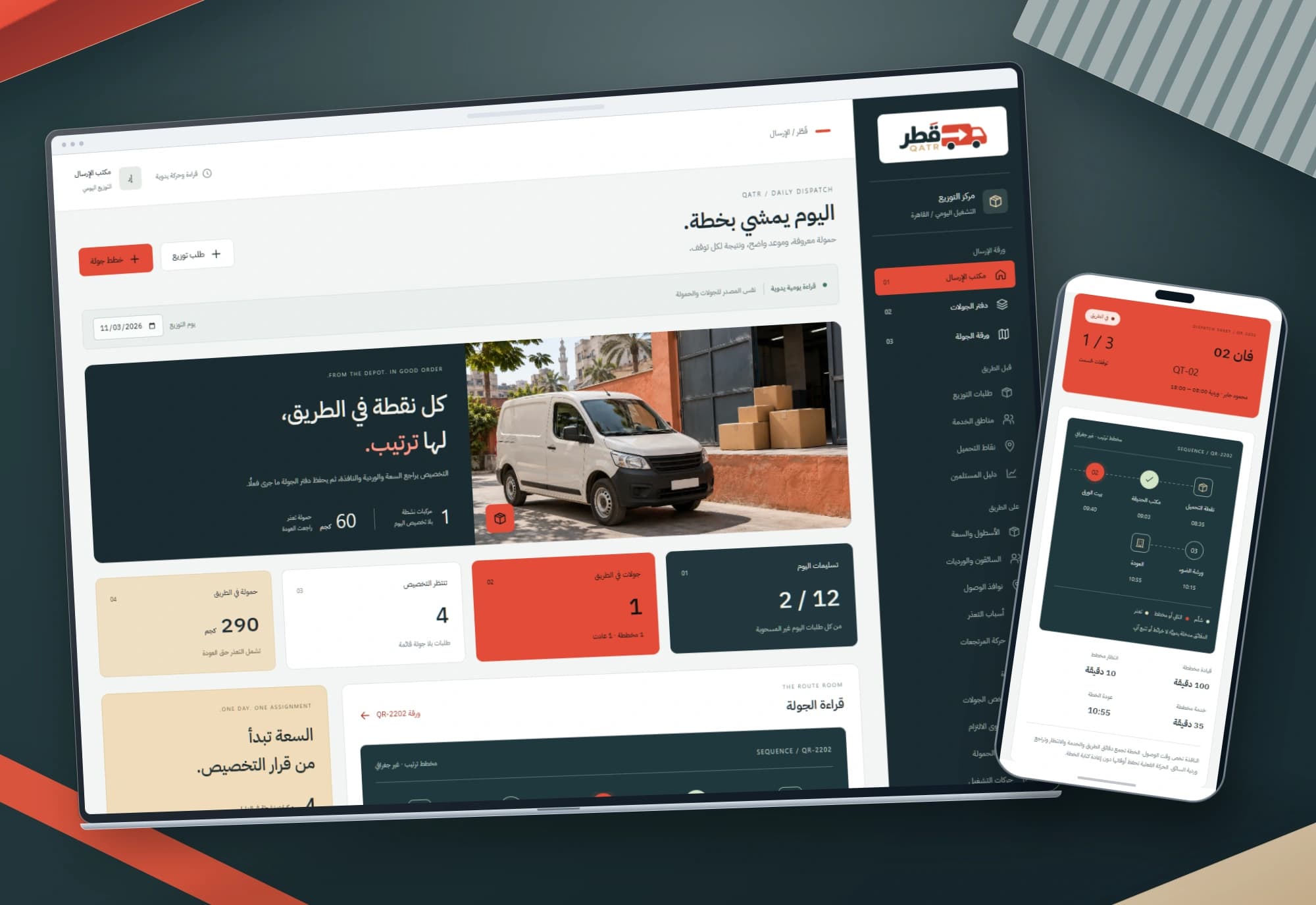 1 / 1
Project information
- Client
- An original Nextwave project
- Sector
- Transport & logistics
- Platforms
- Web
- Project type
- Business systems
Services delivered
Project overview
A route starts before its first address. It starts when the dispatcher chooses a vehicle and driver and checks whether the selected orders can be carried out together. Nextwave designed QATR to make that decision legible and to preserve the difference between the promised plan and the execution record.
A dispatch desk with visual presence and operational meaning
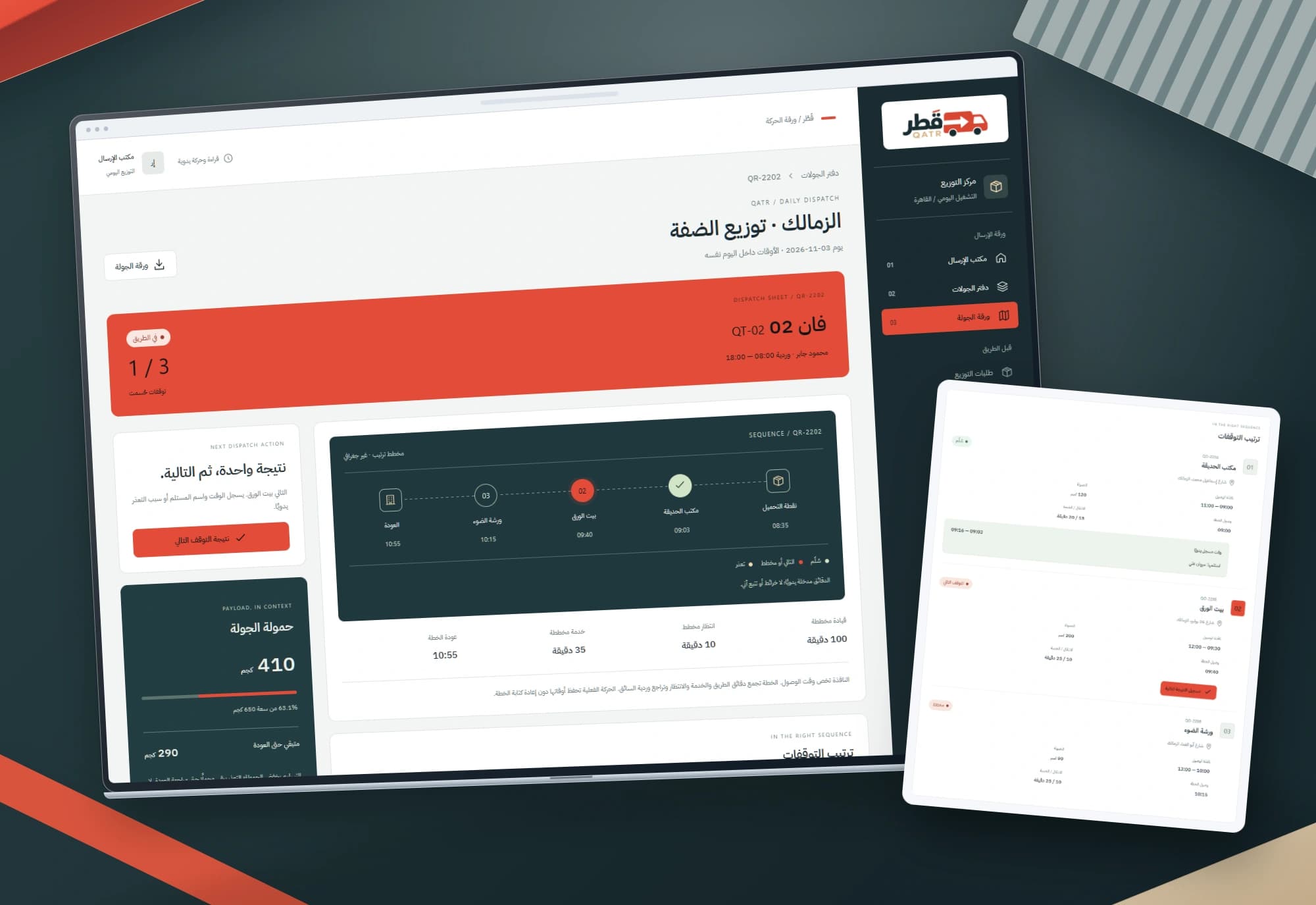
Vermilion, charcoal and sand give QATR a distinct dispatch identity. An original loading-courtyard photograph places it in context, while a numbered stop diagram explains route order without posing as a map or location tracker.
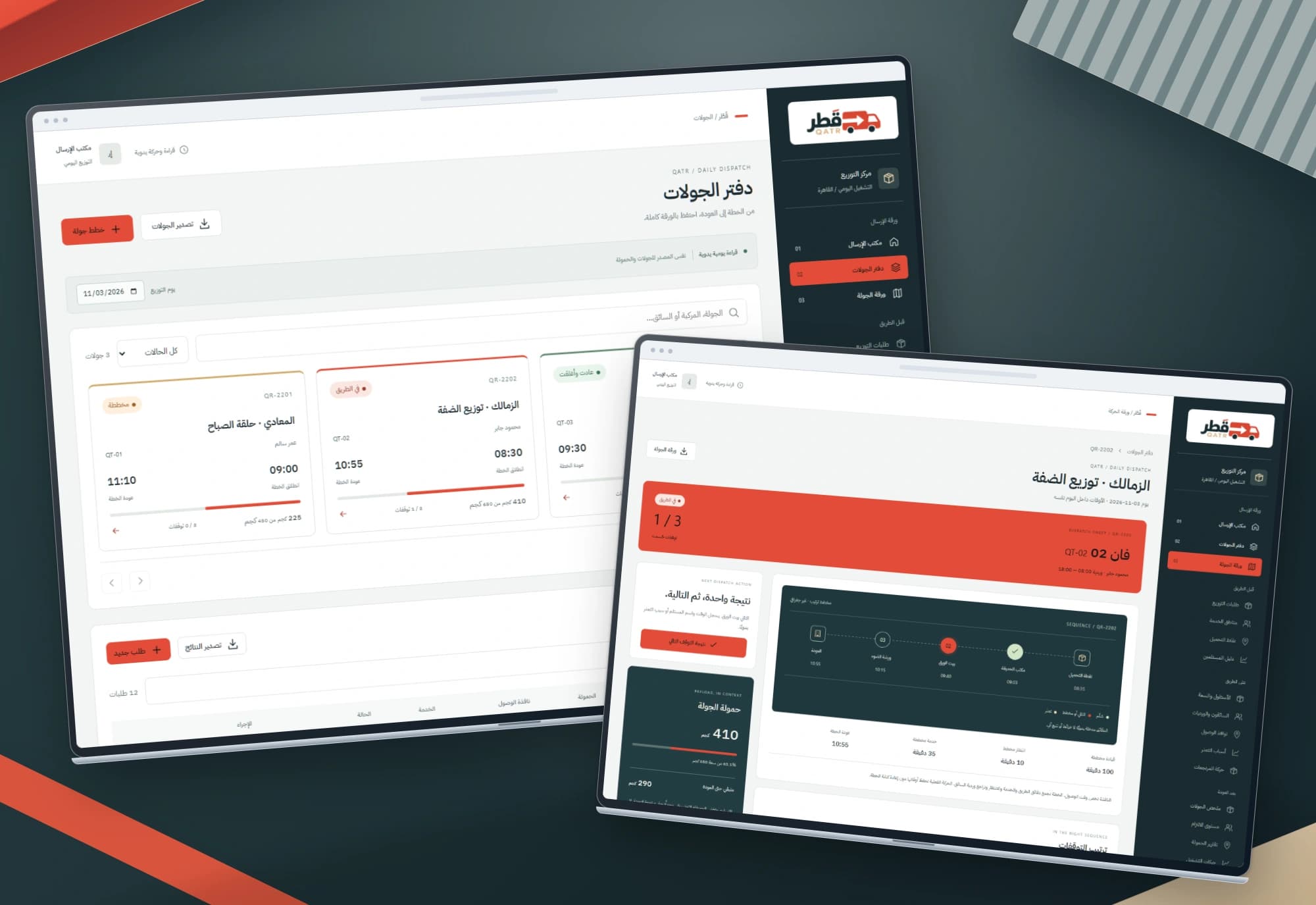
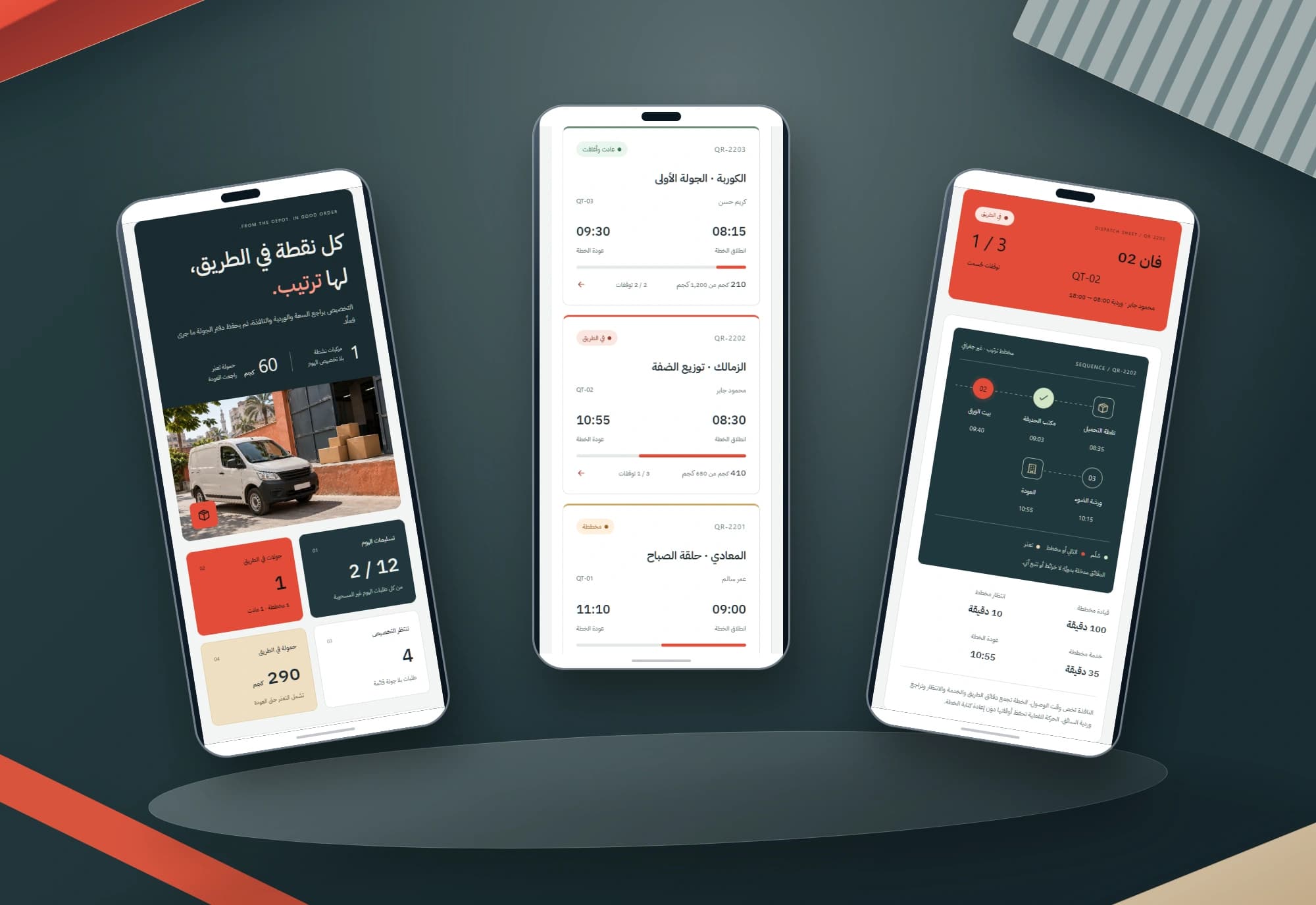
Three destinations work together: dispatch overview, route register and route sheet. Mobile cards keep load, timing and the next decision readable, with search, filters and export retained. Other sidebar labels outline scope beyond these destinations.
Project images
Explore the interface and experience through the project gallery.
 1 / 3
An arrival promise needs a check before departure
All the day's orders may appear to fit one vehicle, but weight is only one question. A driver has a shift, a recipient expects an arrival window, each stop takes service time and the return needs a place in the plan. These constraints belong in the same dispatch sheet rather than scattered notes.
The overview distinguishes active, planned and closed routes, unassigned orders and remaining load on the road, including failed deliveries. A failed stop does not make its load disappear from the vehicle; its effect remains visible until return.
Use case 1: Build a route within capacity and resource limits
The dispatcher records an order's address, weight, arrival window and service duration, then selects a vehicle, driver, date and departure time. QATR checks assignments and allows only one non-cancelled route per vehicle and driver each day, including a route that has already returned.
Up to twelve stops can be added, using unassigned orders from the same day. Each addition checks total weight against vehicle capacity in integer grams, so a small excess is not hidden by the kilogram display.
Before dispatch, the plan can change, stops can be reordered and an order can be removed with a reason. Cancelling a plan releases its assignments but preserves its snapshots, even if a now-free order's address changes later.
Use case 2: Keep the promised schedule separate from execution
The user enters each travel leg, while each stop supplies a service duration and arrival window. QATR calculates arrival from the previous finish and travel time, waits for the window to open when necessary, then adds service and the return. A plan that breaks a window or exceeds the driver's shift is rejected.
Dispatch freezes the plan. A changed actual departure needs a note and does not erase the planned departure. Execution resolves the next stop in sequence, recording actual arrival and finish without moving backwards before earlier activity.
Delivery requires a typed recipient name; failure requires a reason. Arrival outside a promised window retains that original window and adds an explanatory note. Promised times do not move merely to make execution appear on schedule.
Use case 3: Failed-delivery load stays visible until return
When delivery fails, QATR keeps that order's weight in the remaining vehicle load. The stop records its outcome and the route still shows the failed-delivery quantity, separate from what recipients actually received.
After every stop is resolved, the operator records an actual return no earlier than the last finish, adds a note and explicitly acknowledges returned failed-delivery load. The route then closes with its return reading retained. A late same-day return can be recorded without falsifying the plan.
An earlier day's active route blocks dispatch of the same resource on a new day until its return is resolved. Stop details and complete matching exports keep the road state connected to a recorded departure, sequence and return.
Clarity matters when an operation fails too
Weights are stored as grams, times stay within a day and Arabic and Latin numeric input is parsed explicitly. An invalid reorder, ambiguous number or attempted edit of an assigned order does not save a partial change. A separate candidate record is checked before it replaces the previous state.
Routes, timing, loads and long values were checked across phone and wide-screen sizes. A failed local save keeps entered fields; an inconsistent source blocks writes until backup-first recovery. Exports include every matching result rather than only the visible page.
The scope delivered in QATR
QATR is an original Nextwave interface project: three responsive Arabic-first pages for route planning, capacity, resources, stop outcomes and return, with browser-local interactions. Travel times, events and recipient names are explicit manual entries.
It does not include GPS tracking, automatic route optimization, carrier integration, electronic signatures, collection or a shared server. This study describes the implemented dispatch decisions and execution flow without attributing the interface to a transport client or claiming unmeasured delivery or fuel improvements.
Built with
- HTML5
- CSS3
- JavaScript
- localStorage
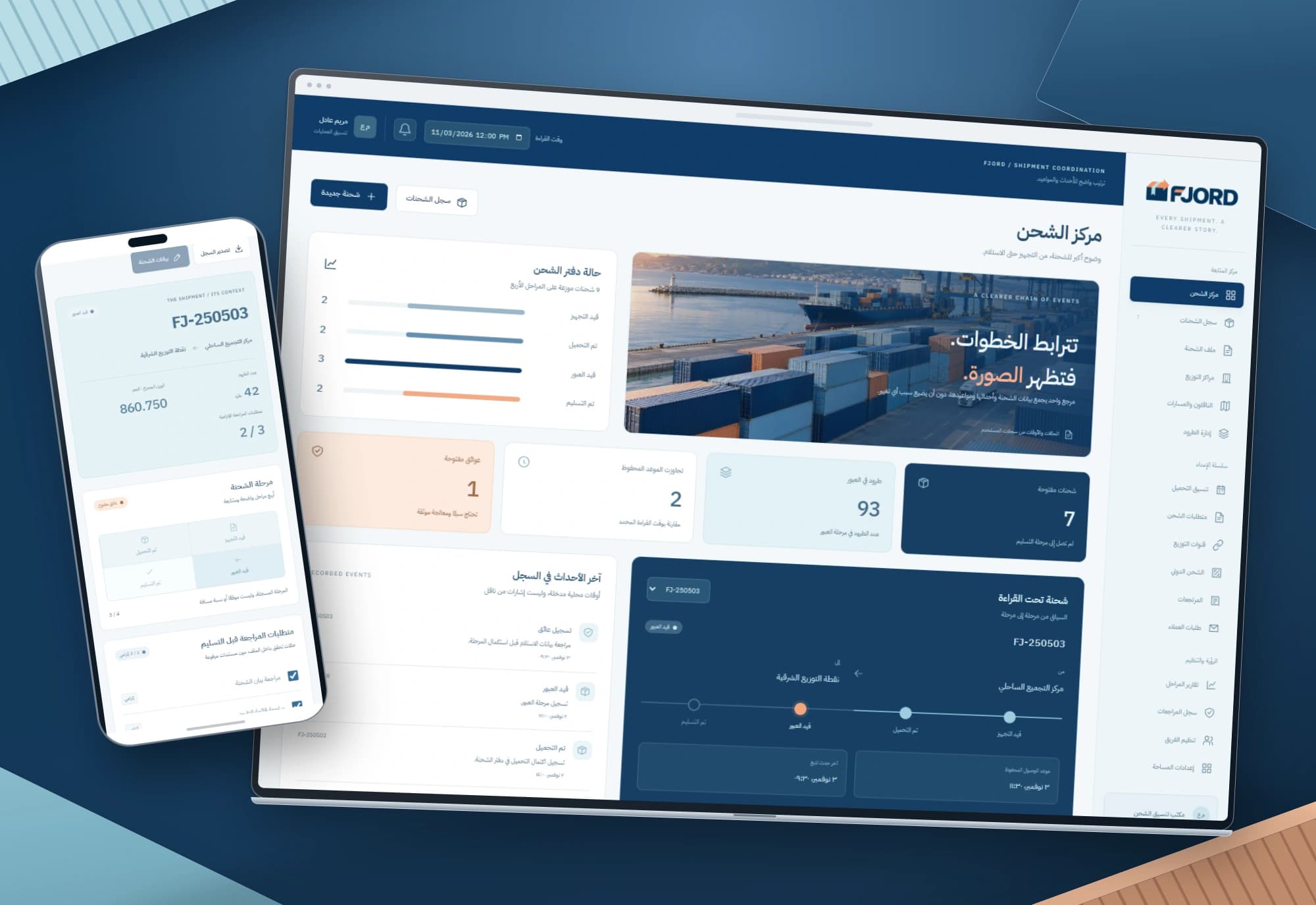
FJORD — Shipment stages and arrival tracking interfaces
A changed arrival time does not explain what happened to a shipment. FJORD brings stages, blockers, recorded events and original/current ETAs into one Arabic record, preserving the reason behind each change.
Explore project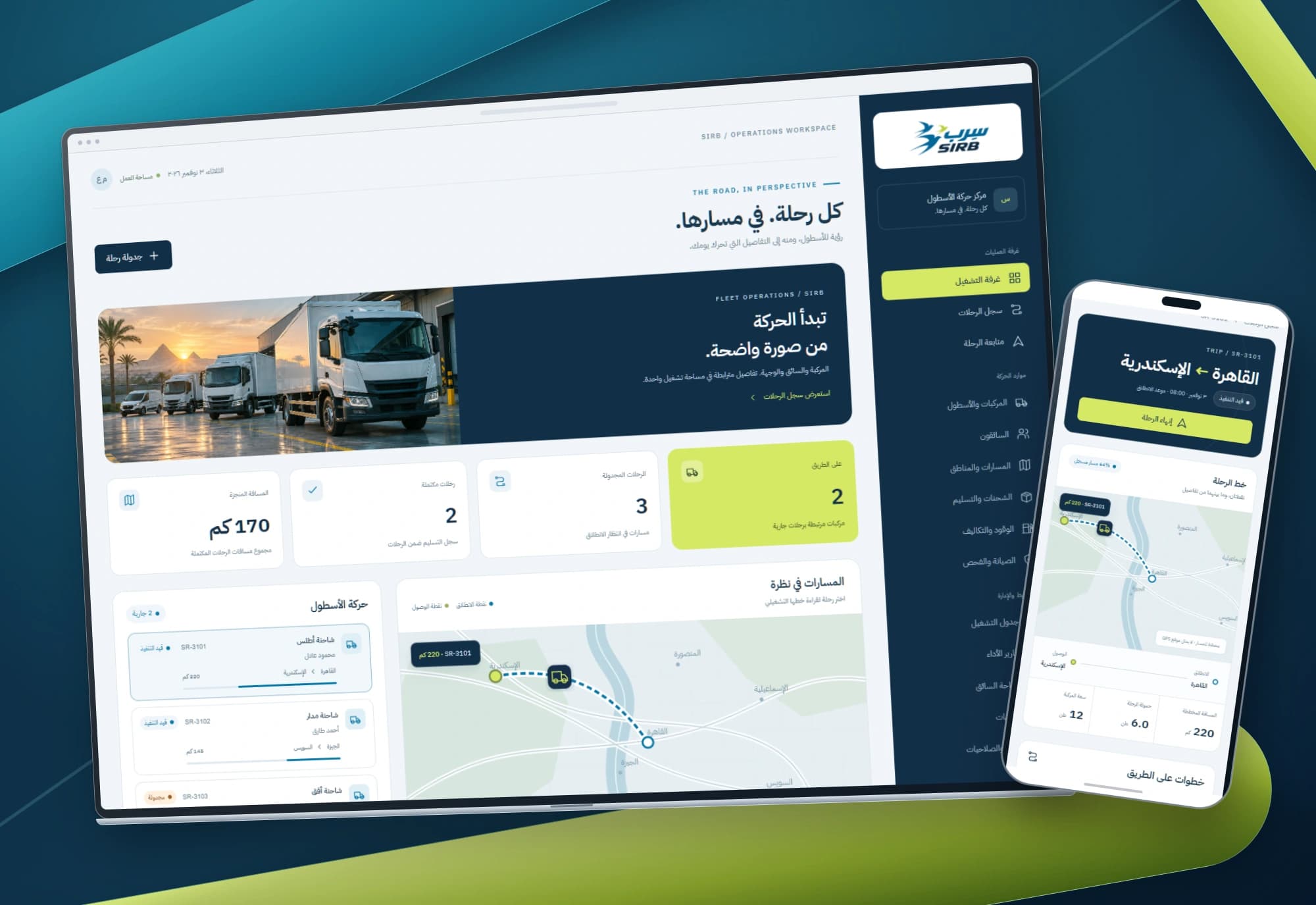
SIRB — Fleet dispatch and trip management interfaces
Every trip has a driver, vehicle, load and schedule. SIRB connects these details in an Arabic dispatch workspace, from the trip register to each journey’s operating record.
Explore projectMake dispatch clearer from the first order
Share how your orders, capacity and delivery windows work. We can define the screens, operating rules and integrations around a clear delivery scope.