
OFFGRID — Field service and visit coordination interfaces
A service visit needs the right skills, a workable appointment and a record worth returning to. OFFGRID connects assignment, shifts, checks, usage and notes in an Arabic field-service workspace.
Explore the project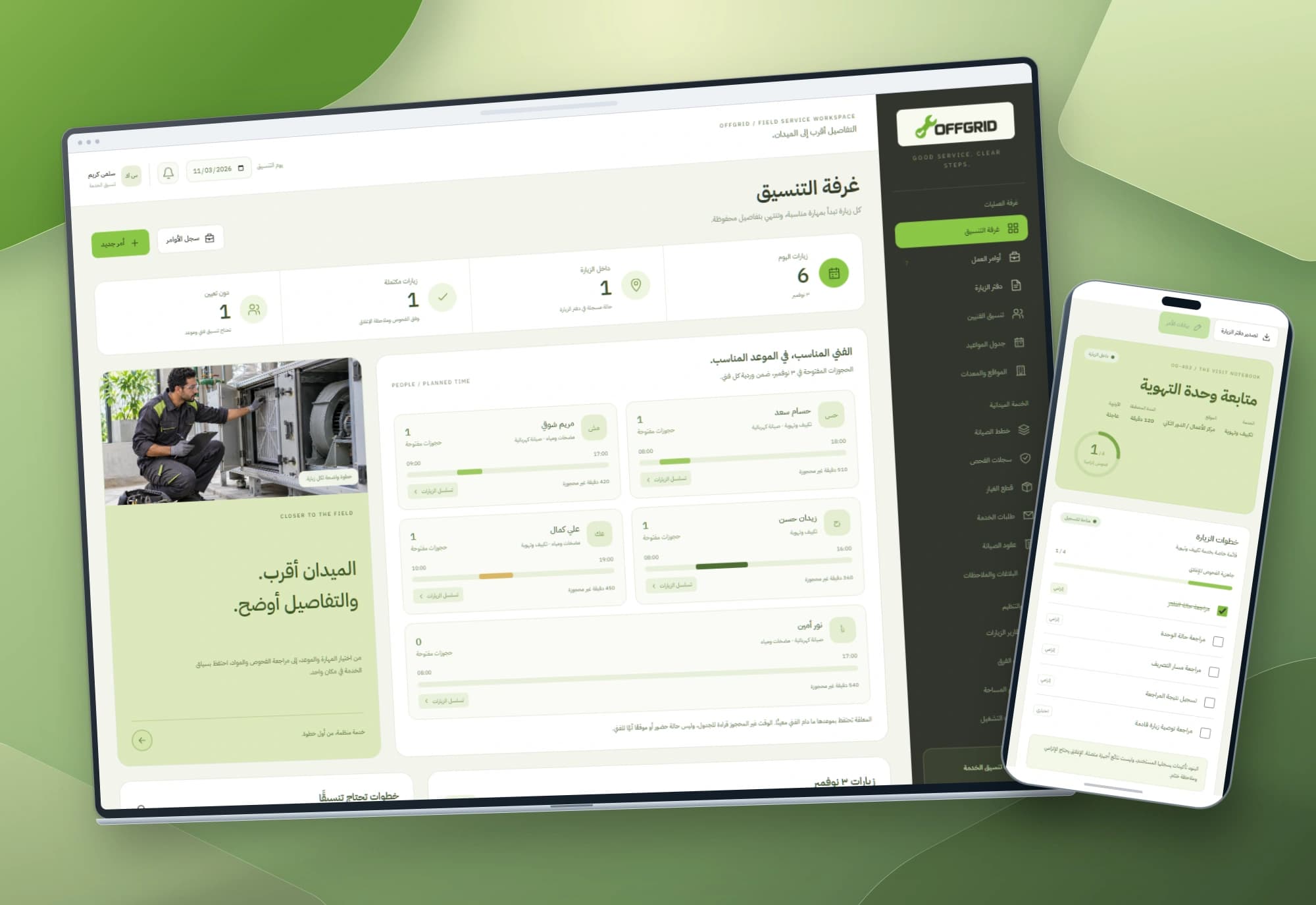 1 / 1
Project information
- Client
- An original Nextwave project
- Sector
- Professional services
- Platforms
- Web
- Project type
- Business systems
Services delivered
Project overview
Who can take the visit, and do they have the required skill and time? Afterwards, what was checked and what was used? OFFGRID follows that information from coordination to the visit notebook, with explicit booking and closure rules.
A technician’s name is only part of the assignment
A technician listed in the team may already have a booking at the requested time or lack the service skill. Selecting a name without checking those details postpones the conflict until execution.
Field work adds paused visits, incomplete checks, corrected material usage and closure notes. The interface connects these details to assignment and time, keeping the visit in one record from creation to closure.
From the coordination room to a readable visit notebook
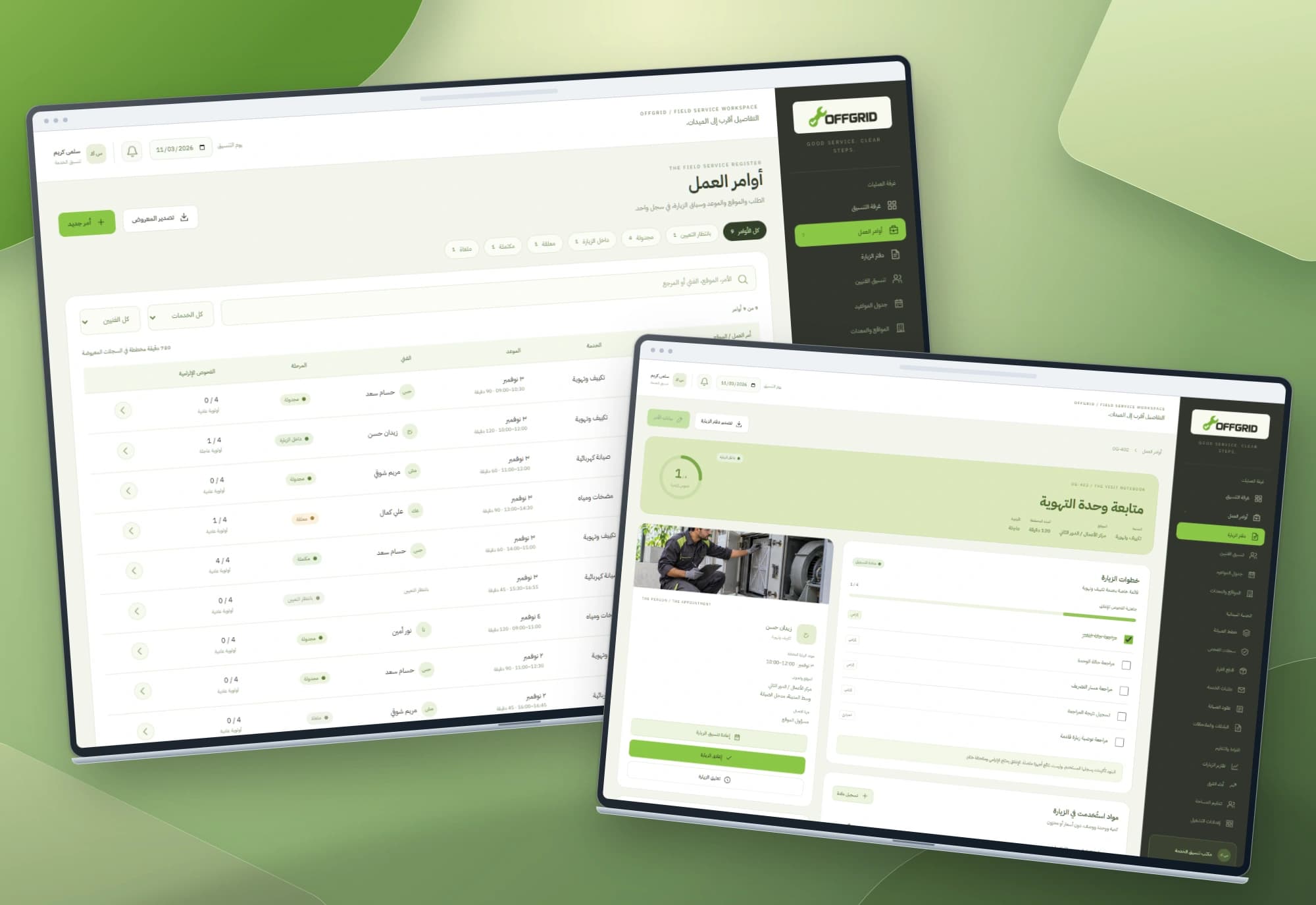
The overview presents daily indicators, technician shifts, unbooked planned minutes and visit sequences. The order register adds search and service, technician and status filters. Each order opens a notebook with site, contact, assignment, checklist, usage and notes.
The workspace begins with nine orders, five technicians and declared skills across HVAC, electrical and pump/water services. Each service has its own checklist. The sequence diagram follows recorded appointments and becomes vertical on mobile; it is a schedule, not a geographical map.
Assignment and closure follow visit rules
Assignment requires a matching skill and a period inside the technician’s shift. Overlapping appointments are rejected; exact adjacency is allowed, so a visit ending at 10:30 permits one starting at 10:30. Paused work keeps its slot until a reasoned release, and resuming rechecks skill, shift and availability.
Closure is available from an active visit after required checks and a closure note. Usage records keep whole quantities, units and dates; corrections retain a reason and old/new values. Completed visits lock their data, checks and usage while keeping the notebook readable and exportable.
Project images
Explore the interface and experience through the project gallery.
 1 / 3
Use case: matching a service with a technician and slot
The coordinator enters the service, site, address, contact, date, start and duration, then selects a technician. A skill mismatch or time outside the shift keeps the form open with an explanation. An overlapping open booking for the same technician and day is also rejected.
A valid assignment appears in the technician card and register. Adjacent periods are permitted and remaining unbooked shift minutes are shown. This calculation follows the stored plan; travel time and live arrival estimates are not added, so the coordinator accounts for them when choosing appointments.
Use case: pausing and resuming without losing the visit context
A visit may pause while another coordination step is pending. Recording the reason keeps the technician’s slot reserved; changing the state to paused does not make overlapping work valid. Checks and notes stay in the same notebook.
If the slot must be freed, the coordinator explicitly releases the assignment with a reason. The visit remains paused until a valid technician and period are selected. Resume rechecks skill, shift and overlap, then continues with the existing checks and context.
Use case: closing a visit with a record that can be reviewed
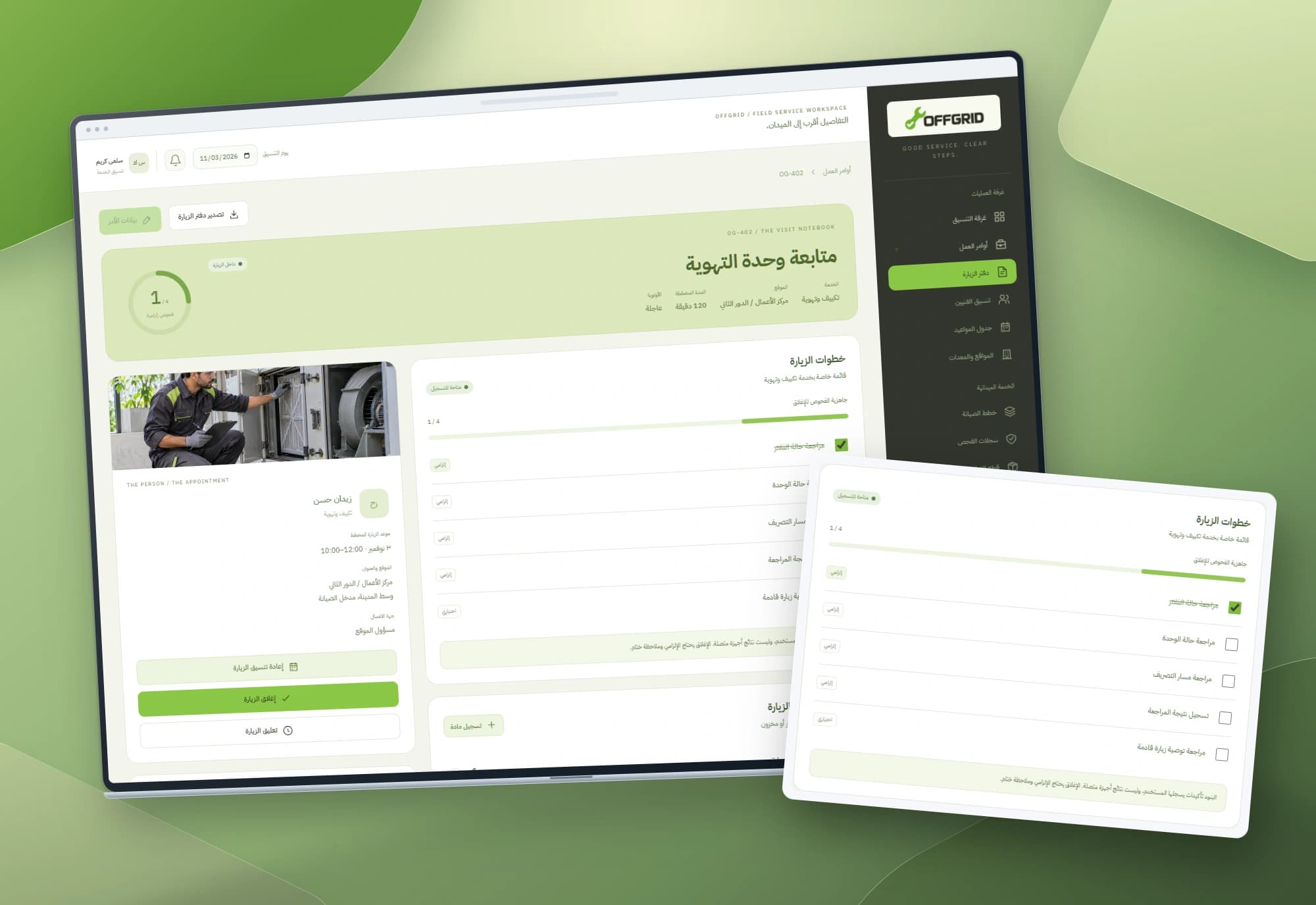
The owner confirms completed items in the service-specific checklist, records named material usage with a whole quantity and unit, and adds context notes. Correcting a quantity requires a reason and keeps its old/new values. Usage entries do not change warehouse stock or prices.
Closure requires every mandatory check and a final note. Optional items may remain unchecked. The completed record locks and its period leaves the open booking pool. The notebook exports checks, usage, notes and closure; filtered register export supports a wider review.
A visual language close to the service context
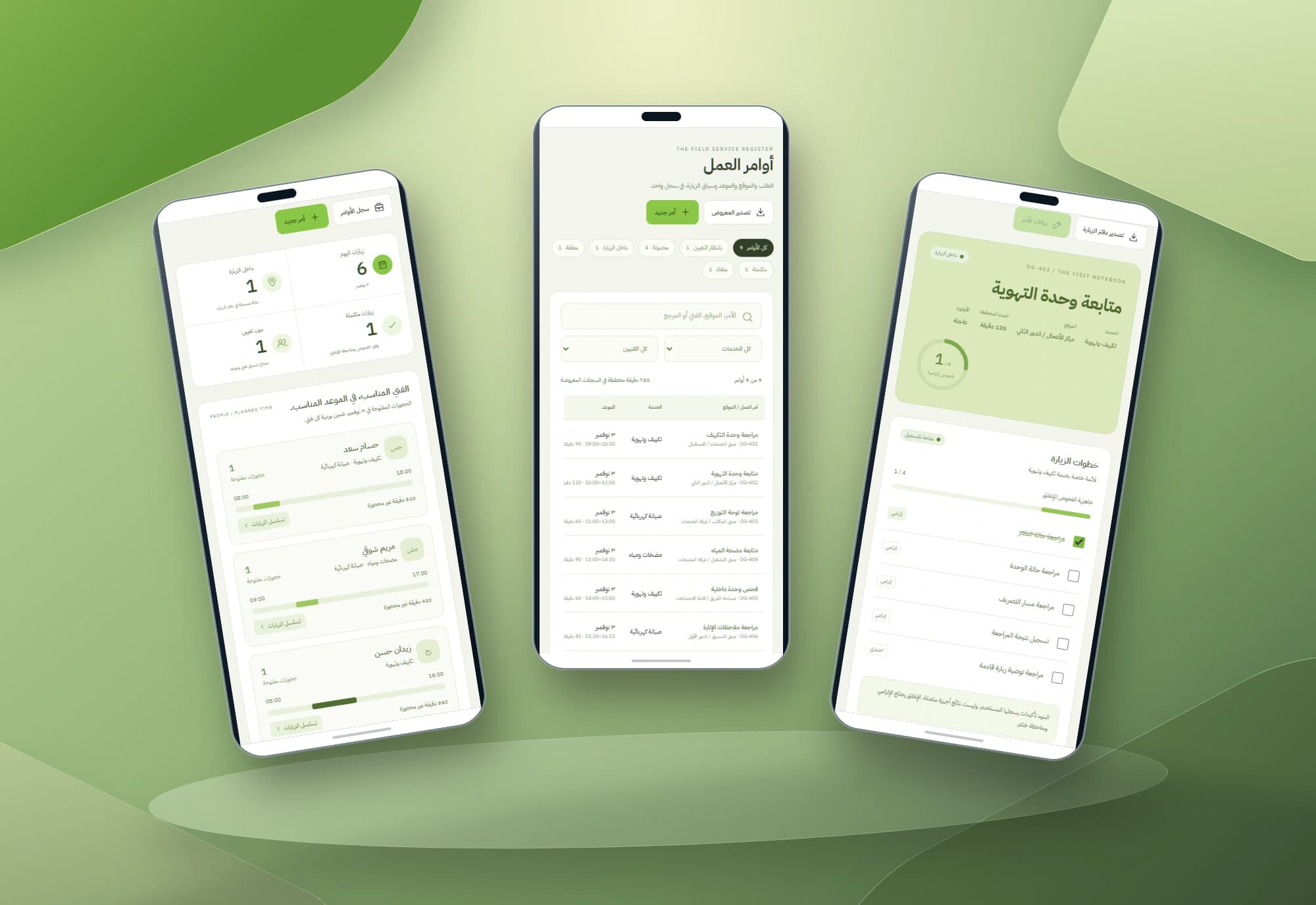
Leaf green leads actions, ivory opens the reading areas and charcoal anchors navigation. Technician cards keep skills, shifts and bookings together, while field-service photography provides context beside the data.
Mobile views place visit status, site and checks first. Four original-screen mockups show coordination, the register/notebook, mobile screens and a checklist detail against sculptural green backgrounds. Backgrounds contain no text and interface lettering stays in the source screenshots.
Implemented scope
The project comprises three HTML, CSS and JavaScript interfaces with browser storage, skill/shift/booking rules, pause/resume, checks, closure, usage history and exports. Technicians, sites and appointments are interface records; generated photography does not document a customer team. Shared dispatch, GPS, distances, route optimisation, messaging, inventory, invoicing and device measurements need separate services and integrations. Other sidebar labels outline a wider product.
Built with
- HTML5
- CSS3
- JavaScript
- localStorage
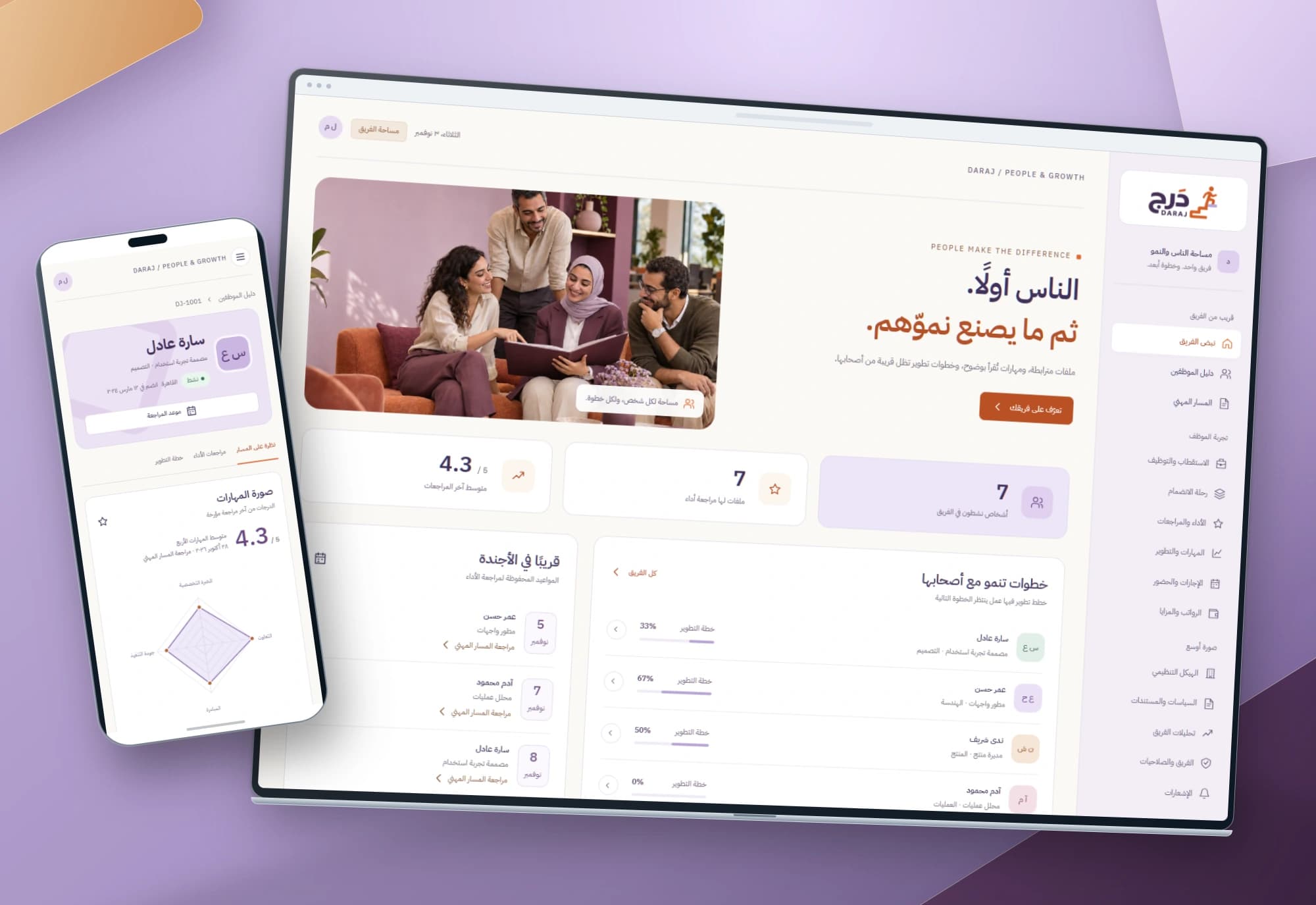
DARAJ — Employee performance and development interfaces
Performance reviews begin with people and lead to clear next steps. DARAJ connects an employee directory with individual skills, dated reviews and a development plan.
Explore project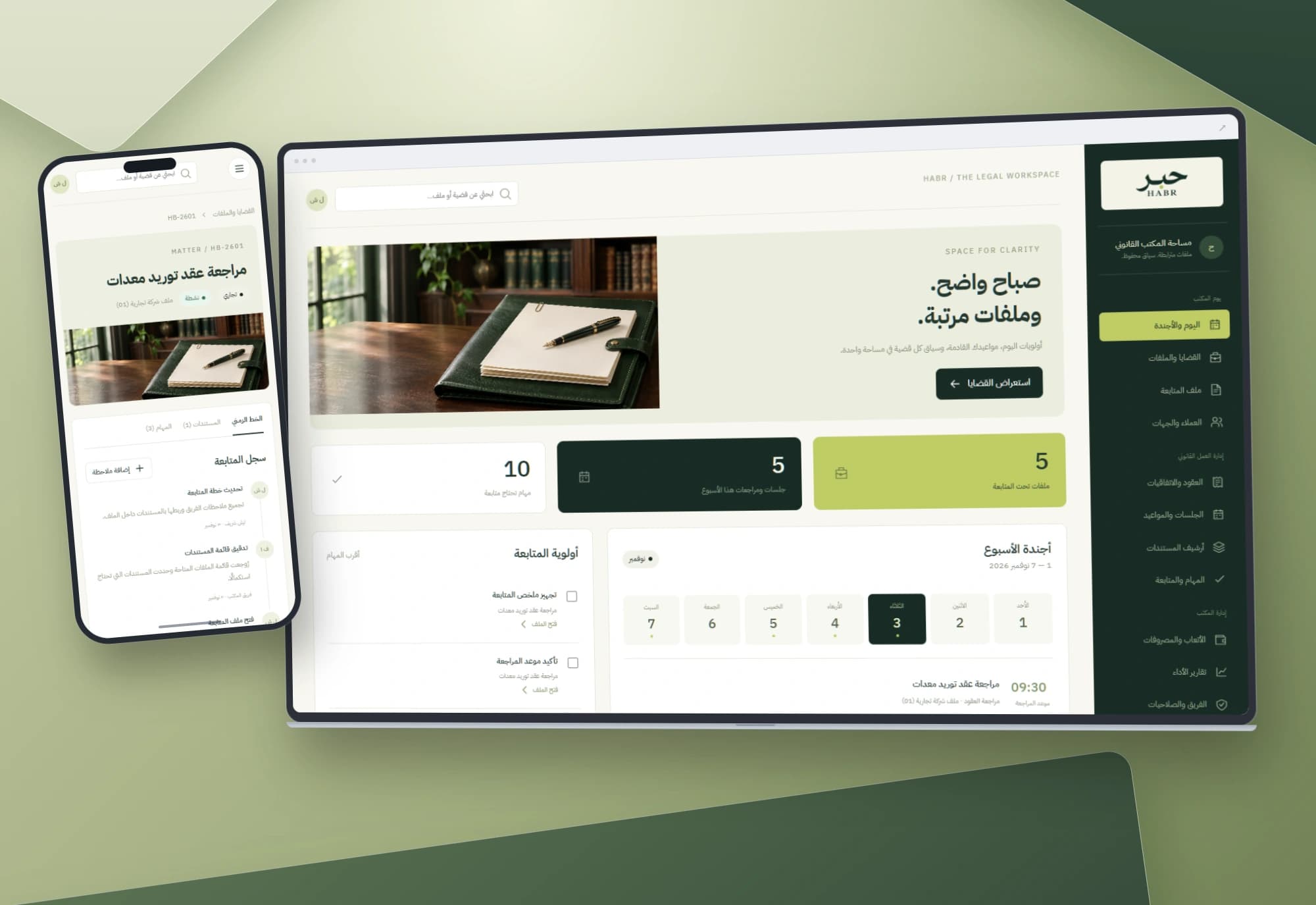
HABR — Legal matters and office workflow interface
Dates, tasks and documents belong to the same matter. An Arabic workspace connects the office agenda to case files and notes, keeping each step in context.
Explore projectNeed clearer service visits and team coordination?
We start with your services, skills, booking rules and visit records, then define the data and integrations your field operation needs.