
TIRAZ — Group management interface
An Arabic group management interface connecting company indicators, budgets, tasks and review requests, so each decision keeps its context.
Explore the project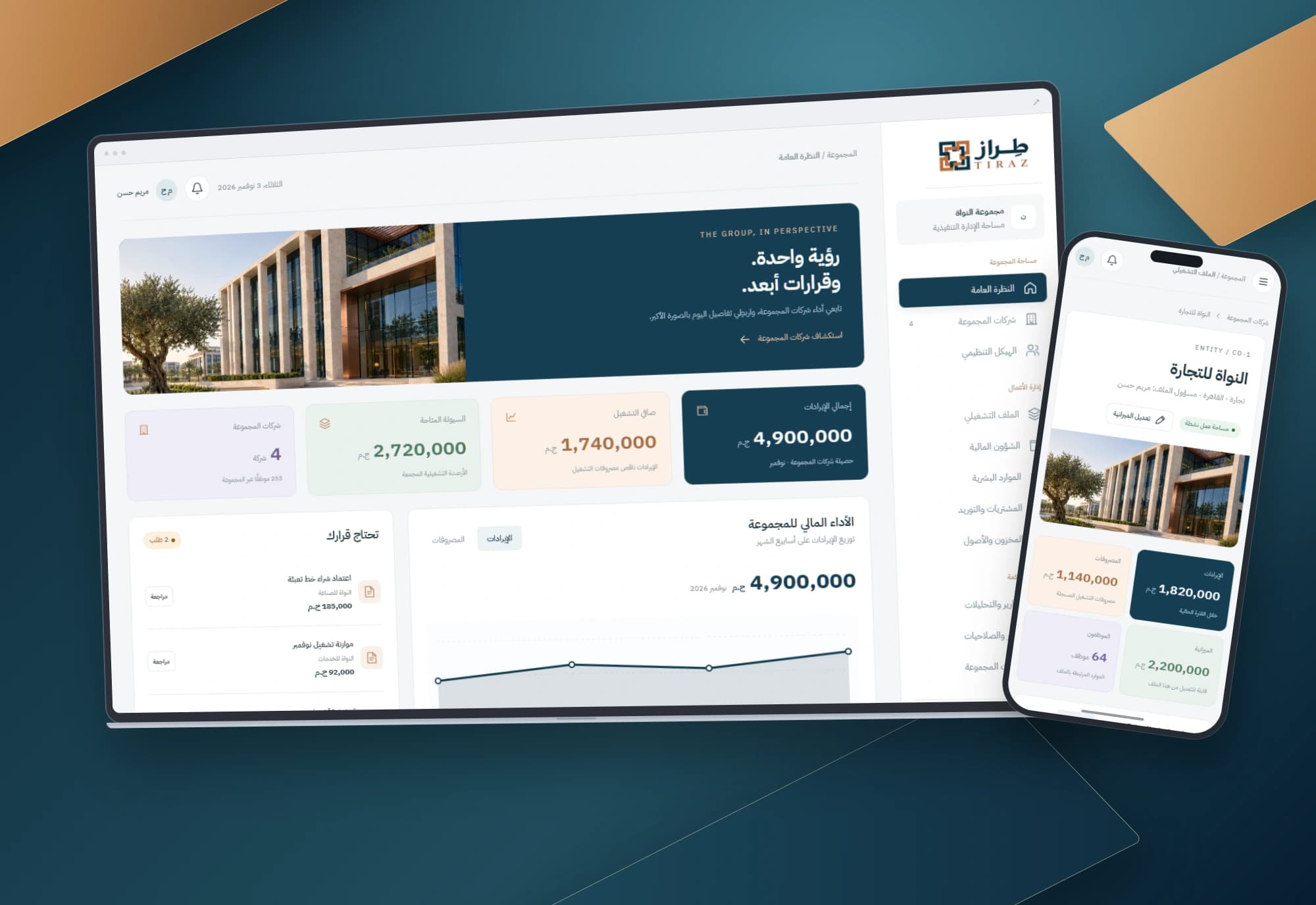 1 / 1
Project information
- Client
- An original Nextwave project
- Sector
- Professional services
- Platforms
- Web
- Project type
- Business systems
Services delivered
Project overview
A useful management meeting starts with a clear question: which business needs attention today? TIRAZ moves from the group overview to the company that deserves a closer look.
Where the design starts
Separate company files make a group total difficult to trace. A manager can see revenue without immediately seeing its company context or the work awaiting attention.
The design therefore connects two levels: what is happening across the group and what needs attention within one company.
How the workspace is organised
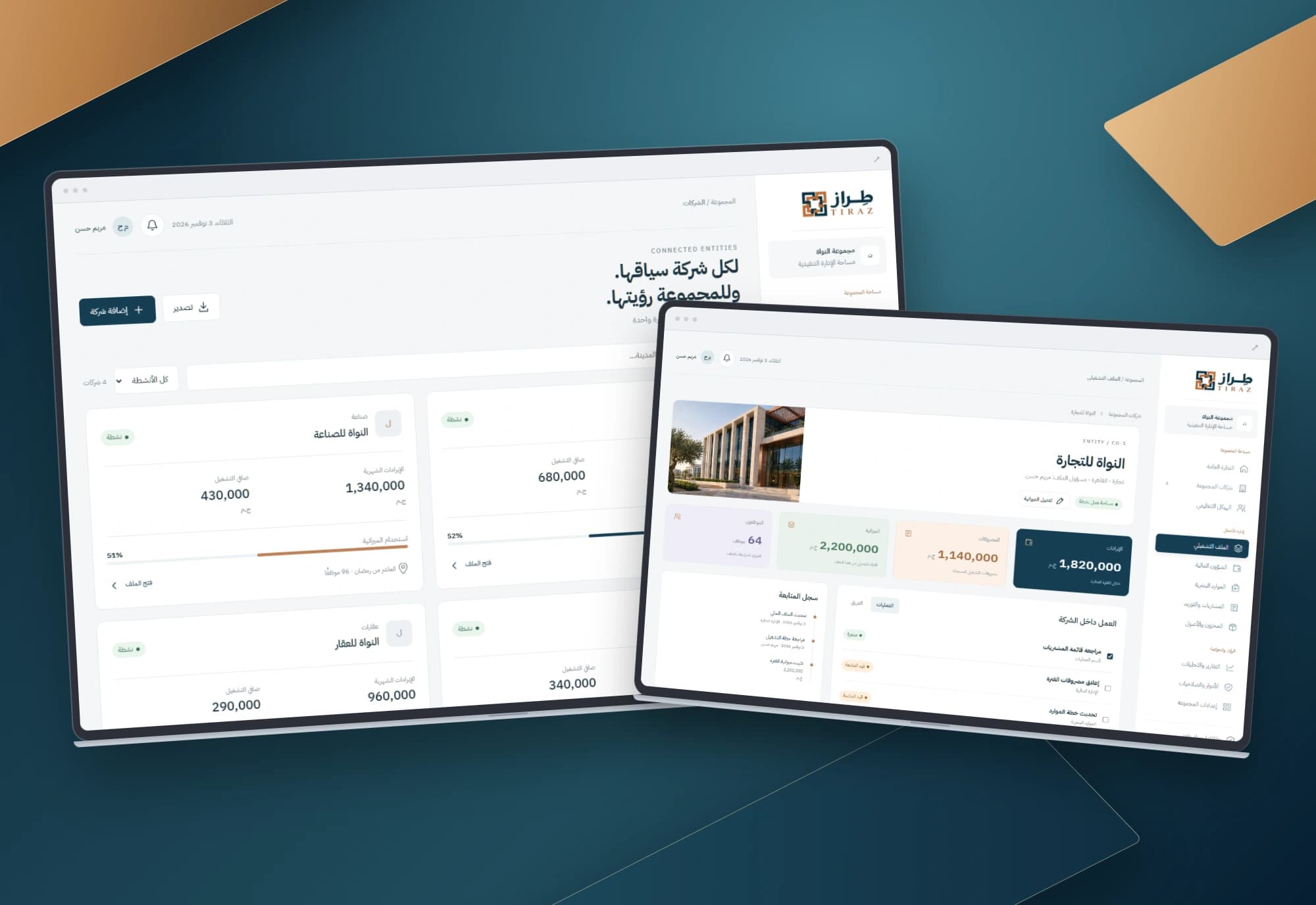
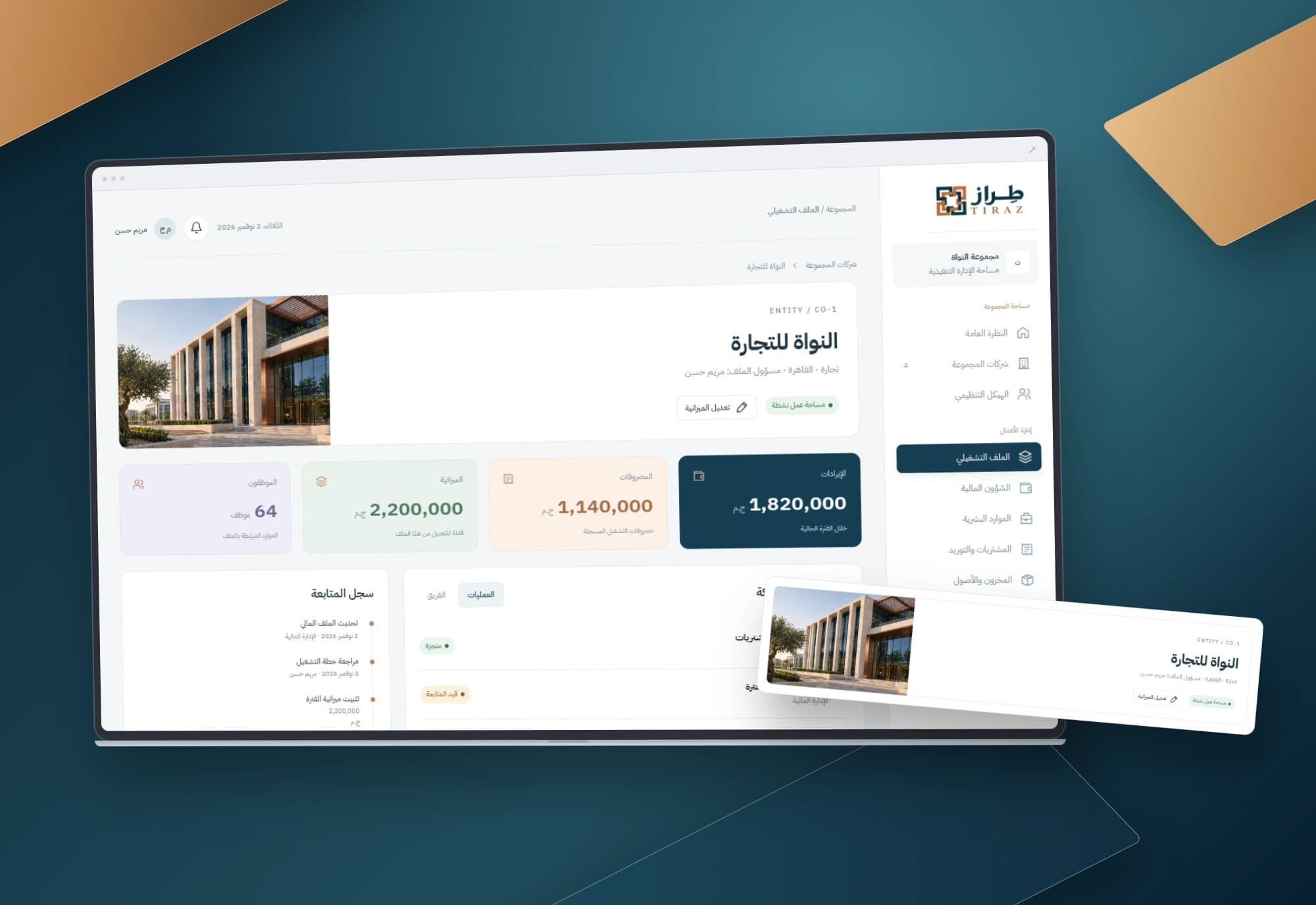
Three screens organise the experience: an executive overview, a company directory and an operating profile. The profile brings a company’s budget and tasks into one context.
Company values feed the group totals. A newly created company starts at zero, making the relationship between details and aggregate indicators explicit.
Details that support the workflow
Search and open companies, create a company, edit its budget and update tasks. Related screens reflect saved changes. Review requests place company details, amount and context before the decision.
Project images
Explore the interface and experience through the project gallery.
 1 / 3
Use case: preparing a management review
Start with the aggregate indicators, search the directory and open the relevant company. Revenue, expenses, budget and tasks provide different views of the same business. Editing the budget changes the plan while keeping it distinct from actual operating figures.
Use case: adding another business
Enter a business name, sector, city and owner. The company appears in the directory with a zero-value starting profile. Separating identity from operating information makes the first step understandable and avoids attributing activity to a newly created record.
Use case: reviewing an outstanding request
Open a request, inspect its company, amount and purpose, then record a decision and revisit its status. Information comes before approval. The review decision records the request state; accounting postings and approval tiers have their own business rules.
A design that explains itself
Petrol blue, copper accents and pale surfaces give the main figures a clear hierarchy. The sidebar outlines a broader product while the three implemented pages define the interactive scope.
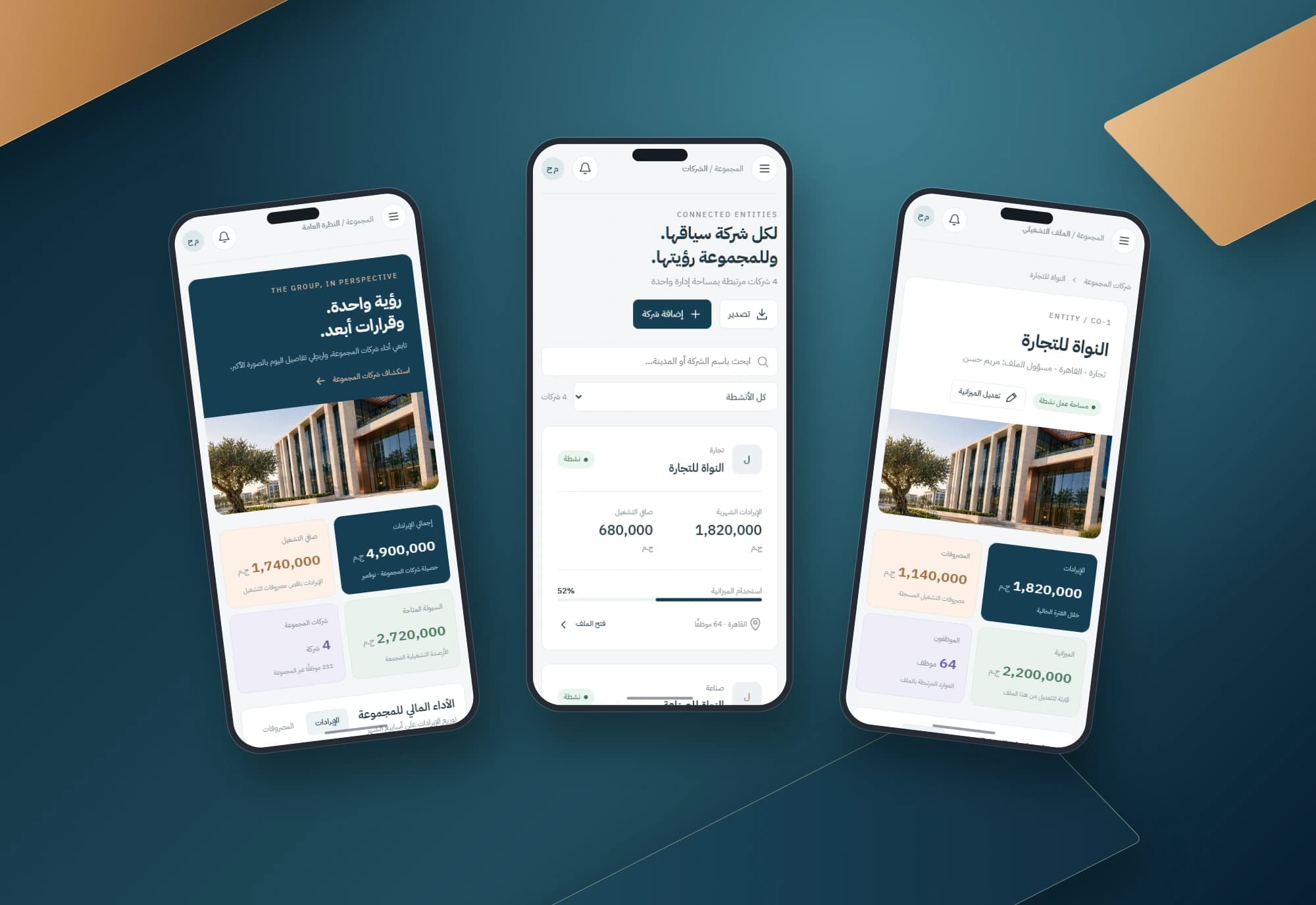
Mobile layouts reorder the content, use a menu toggle and preserve wider tables inside scrollable regions.
Scope of work
The work covers three connected interfaces, company-derived indicators and browser-persisted interactions. The navigation also outlines possible group modules. Shared team operation and accounting integration require a separate implementation scope.
Built with
- HTML5
- CSS3
- JavaScript
- localStorage
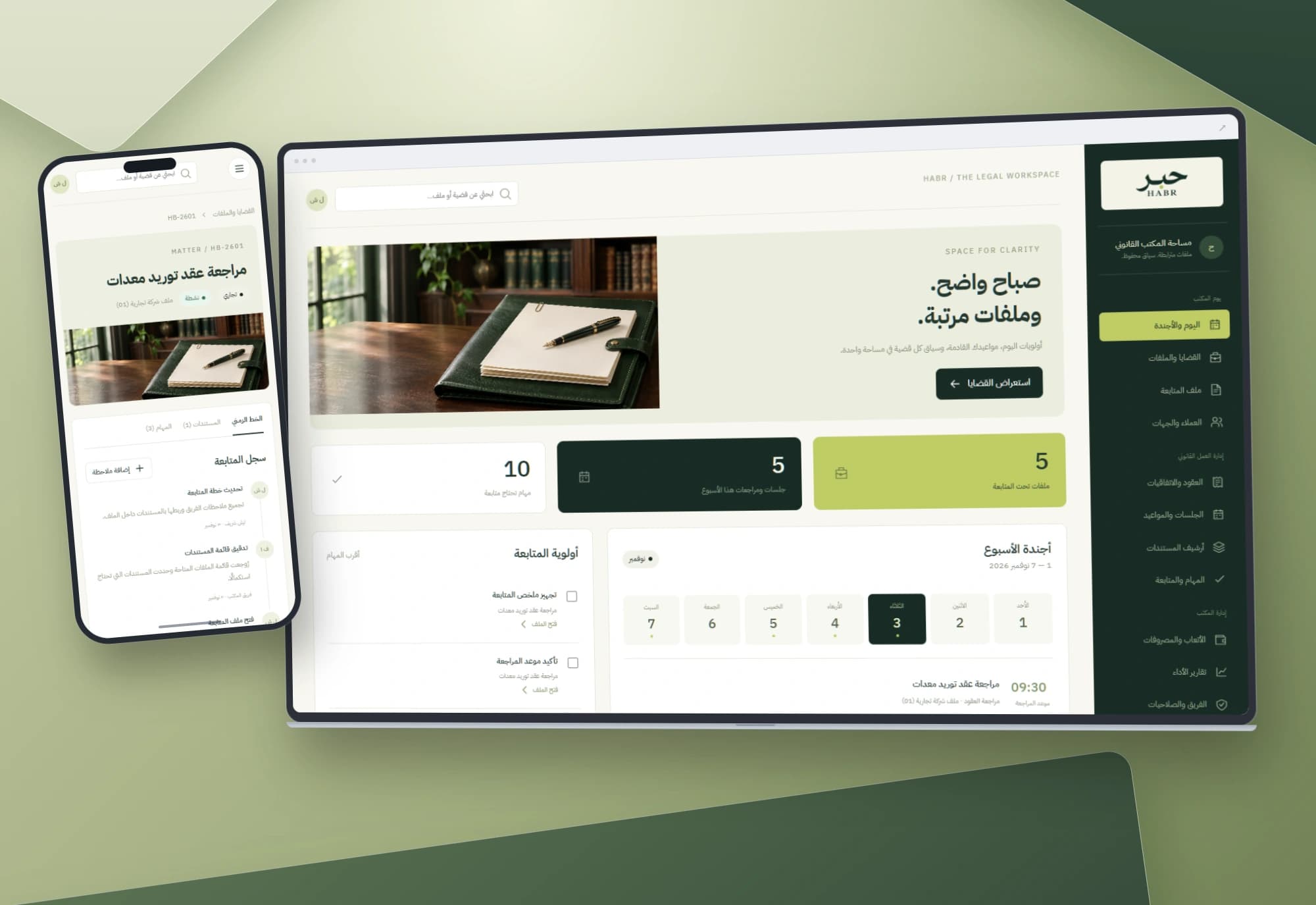
HABR — Legal matters and office workflow interface
Dates, tasks and documents belong to the same matter. An Arabic workspace connects the office agenda to case files and notes, keeping each step in context.
Explore project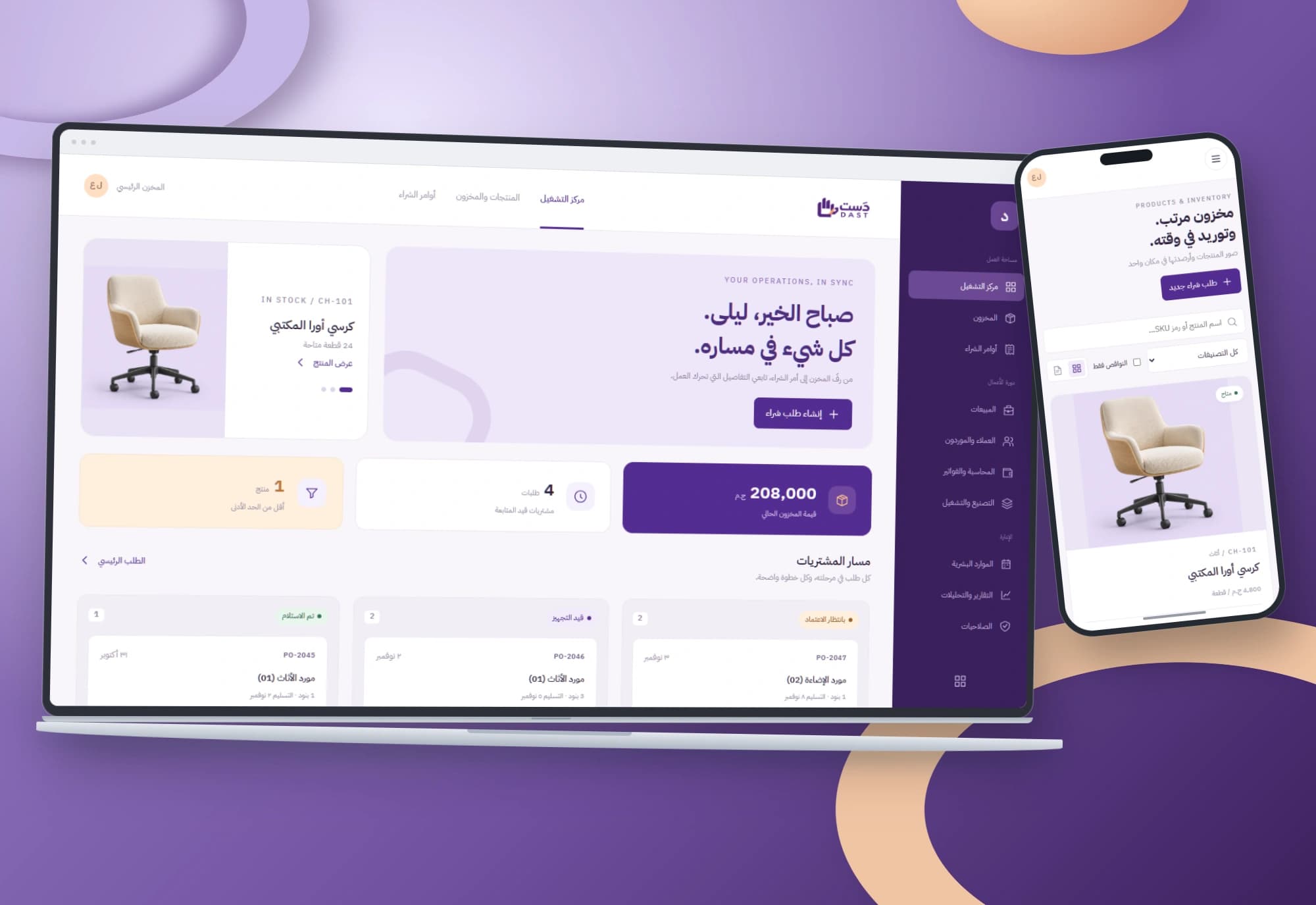
DAST — Purchasing and inventory interface
Every order has a path and every item has a balance. Arabic interfaces connect low-stock alerts, purchase-order review and receipt of its line items.
Explore projectNeed a connected view of your businesses?
We start with your team’s workflow, then define the data, permissions and integrations needed for a working system.