
RIWAQ — Projects and property units interface
From a sense of place to unit details. Arabic property interfaces connect projects, filters, a plan, favourites and a payment calculator in one comparison journey.
Explore the project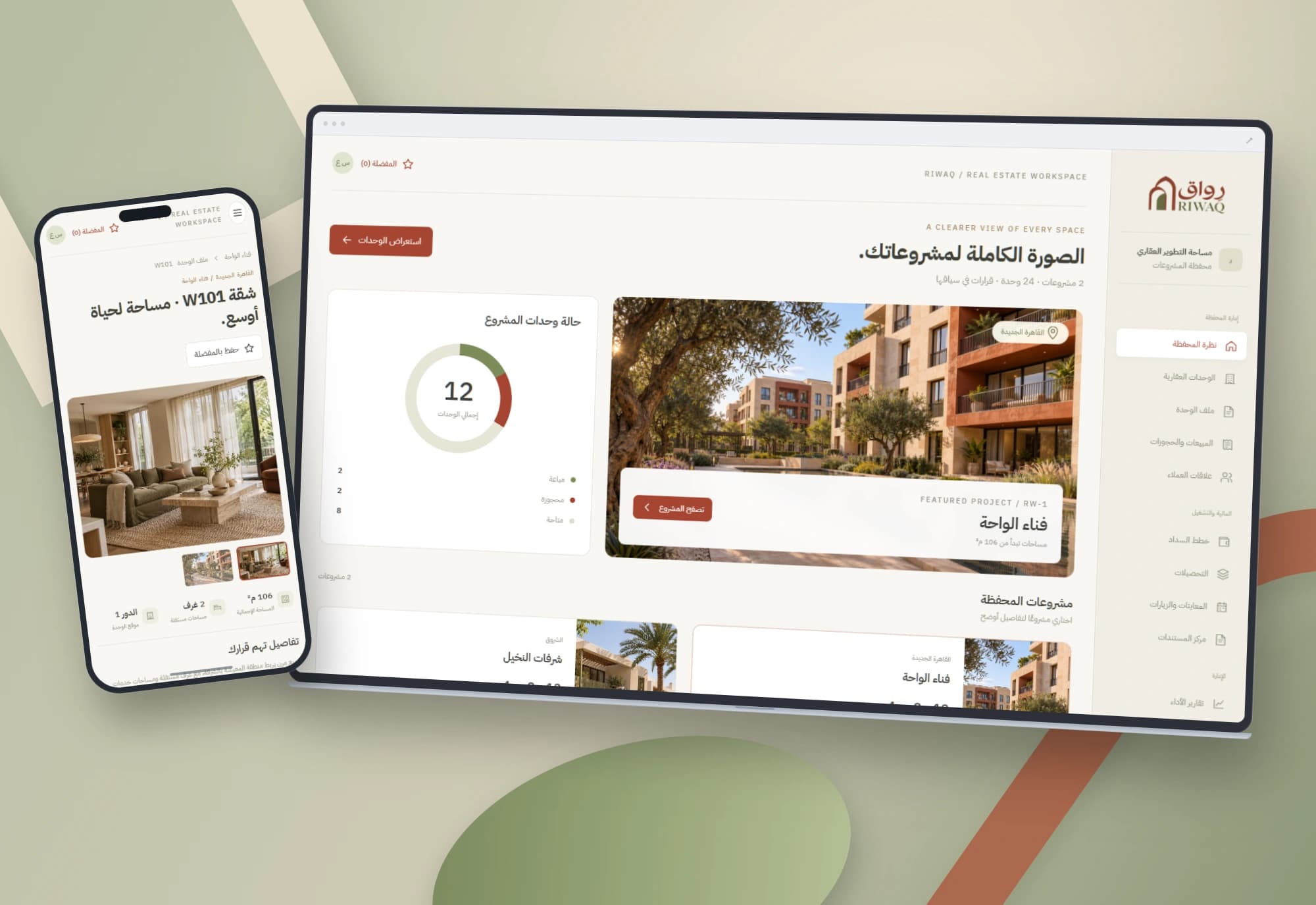 1 / 1
Project information
- Client
- An original Nextwave project
- Sector
- Real estate
- Platforms
- Web
- Project type
- Business systems
Services delivered
Project overview
A property conversation starts with a sense of place, then moves into area, price and status. RIWAQ keeps these details close together so the reason for choosing a unit stays visible during review.
Where the design starts
Scattered images, prices and unit statuses make a clear comparison difficult during a sales conversation. A strong visual impression needs equally accessible decision details.
The challenge was to preserve the imagery while making project, floor, status and price filtering immediately usable.
How the workspace is organised
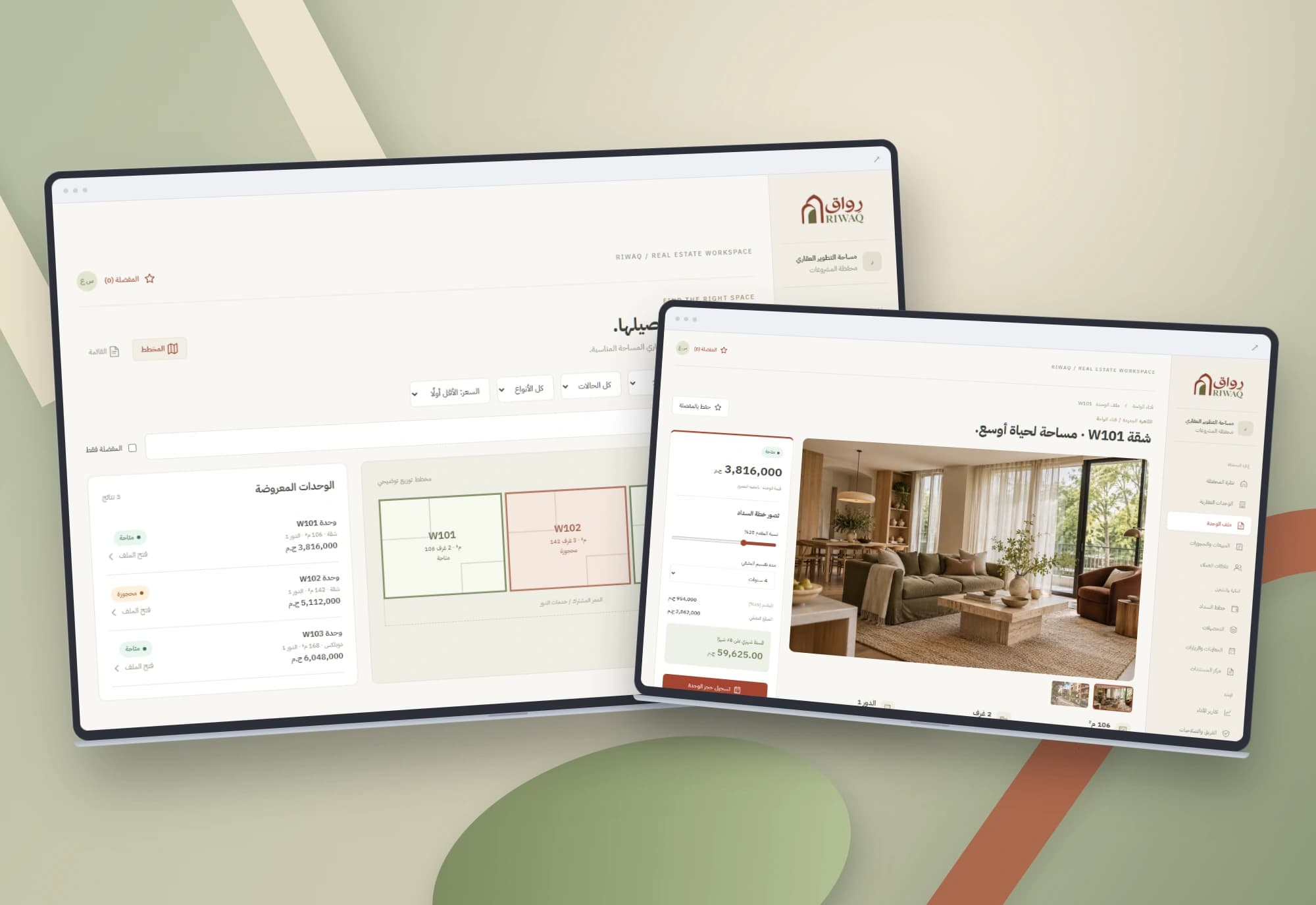
Three screens cover the project portfolio, a unit directory with list and plan views, and individual unit details. Filters narrow the choice; the detail page connects images, area, price and the calculator. The plan communicates arrangement and favourites retain the shortlist.
Details that support the workflow
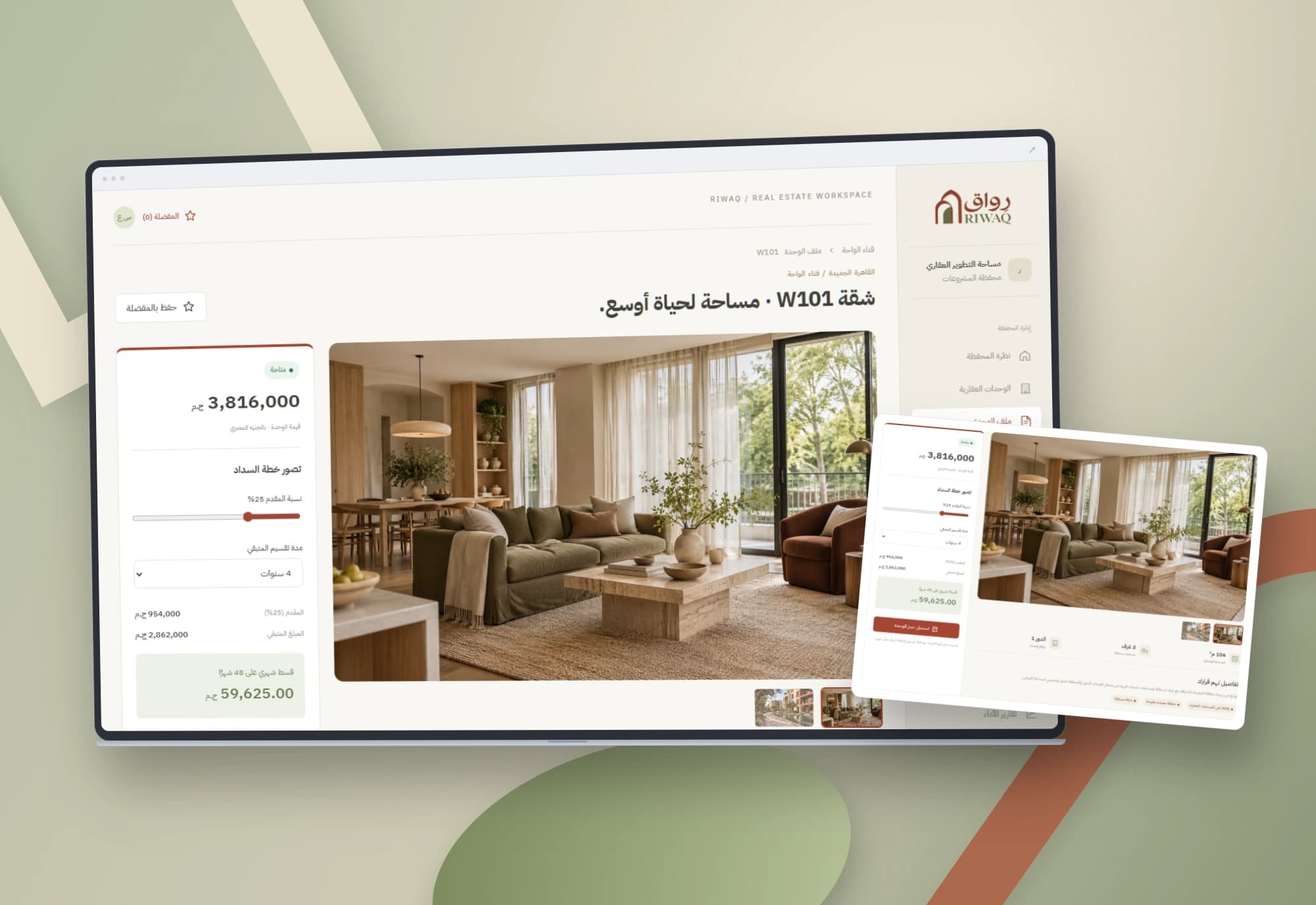
Filter units by project, floor, status and price, search by reference or area, and switch between list and plan. The unit page supports image switching and favourites. The calculator derives deposit, remainder and instalment from the entered values; the interest form saves a provisional request in the browser.
Project images
Explore the interface and experience through the project gallery.
 1 / 3
Use case: finding a suitable unit
Start with a project, choose a floor, status and price range, then inspect the narrowed results in the plan or list.
Open a unit directly from that context to review its images and details. The journey keeps the reason for the shortlist close to the decision information.
Use case: exploring a payment scenario
Adjust the deposit and payment period to inspect the remainder and instalment. The arithmetic comparison supports a clearer payment conversation. The calculator divides the amount; interest, fees and contract terms come from approved pricing rules in a connected implementation.
Use case: recording provisional interest
Save a unit as a favourite or submit the interest form. The request and unit status are stored in the browser, making the next step visible. Reservations shared by multiple users need a common availability source, request expiry and conflict rules.
A design that explains itself
Stone, olive and terracotta colours support the architectural direction. Images convey place while area, price and status remain easy to scan.
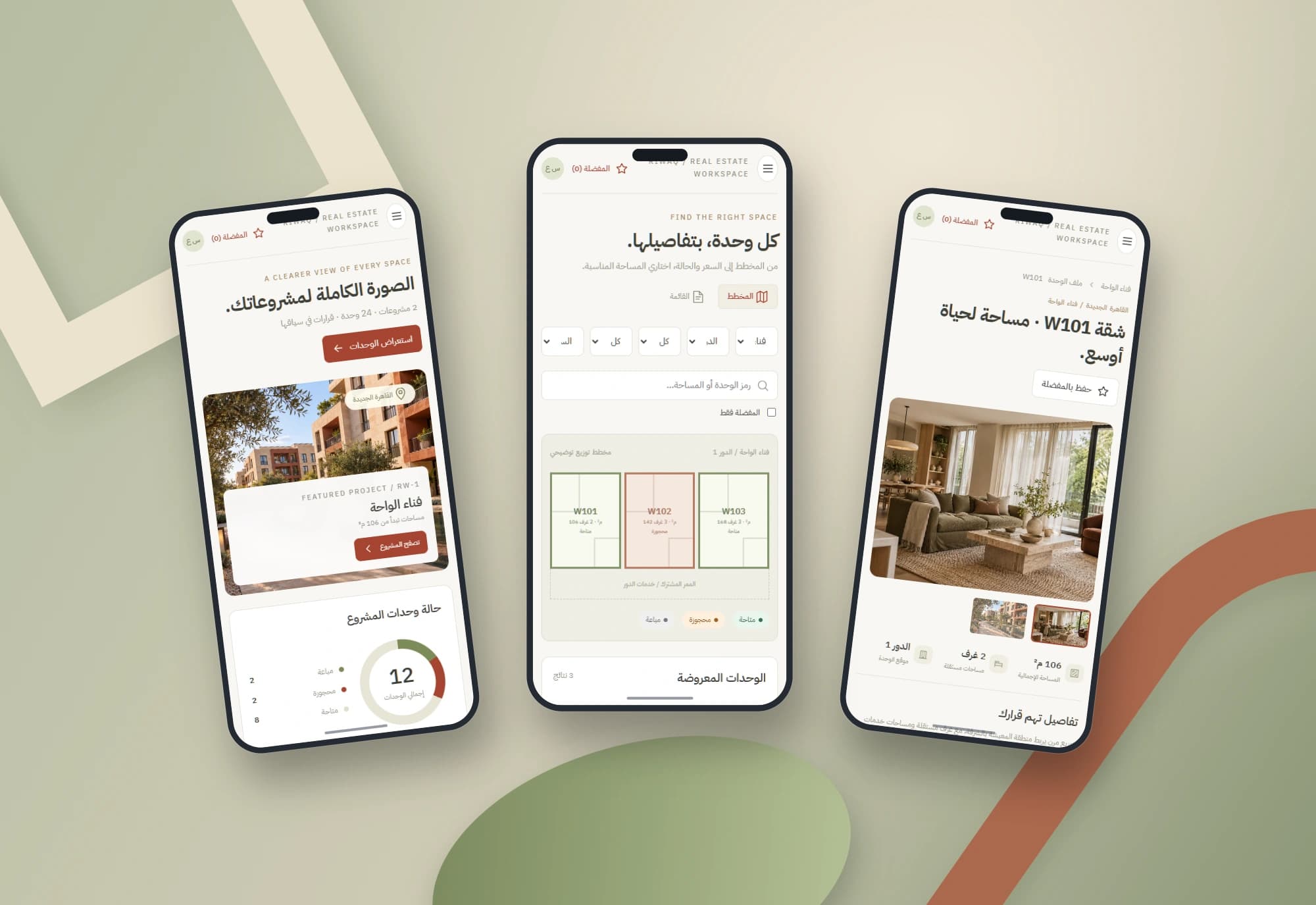
Mobile layouts stack the details and keep filters and plans within the viewport. The mockups use brand-coloured architectural forms without external text.
Scope of work
The work covers project, unit-directory and detail interfaces, filters, favourites, calculations and browser persistence. Images and the plan support the visual presentation. Sales, contracts, collections and shared availability are implemented around the developer’s processes.
Built with
- HTML5
- CSS3
- JavaScript
- localStorage
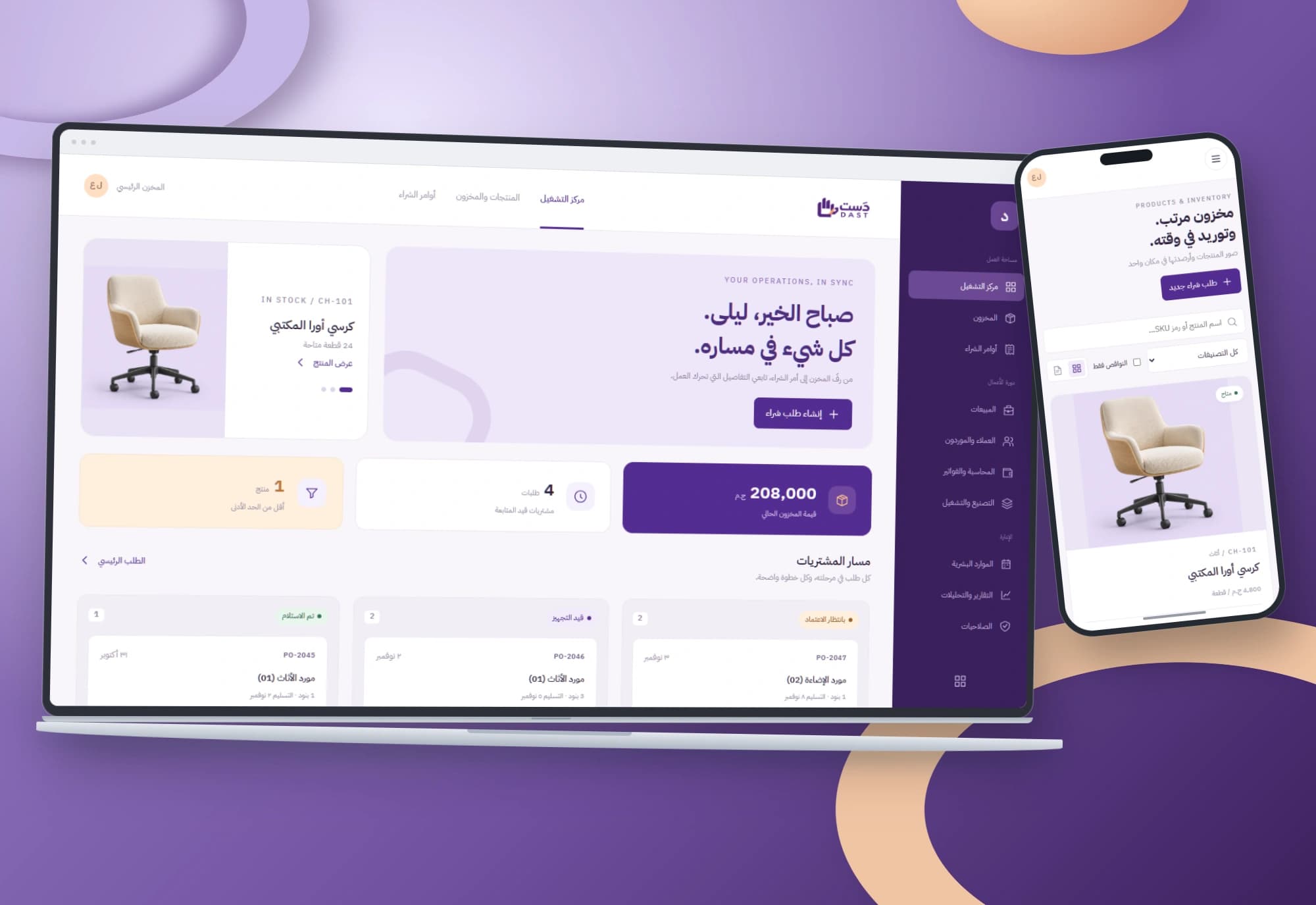
DAST — Purchasing and inventory interface
Every order has a path and every item has a balance. Arabic interfaces connect low-stock alerts, purchase-order review and receipt of its line items.
Explore project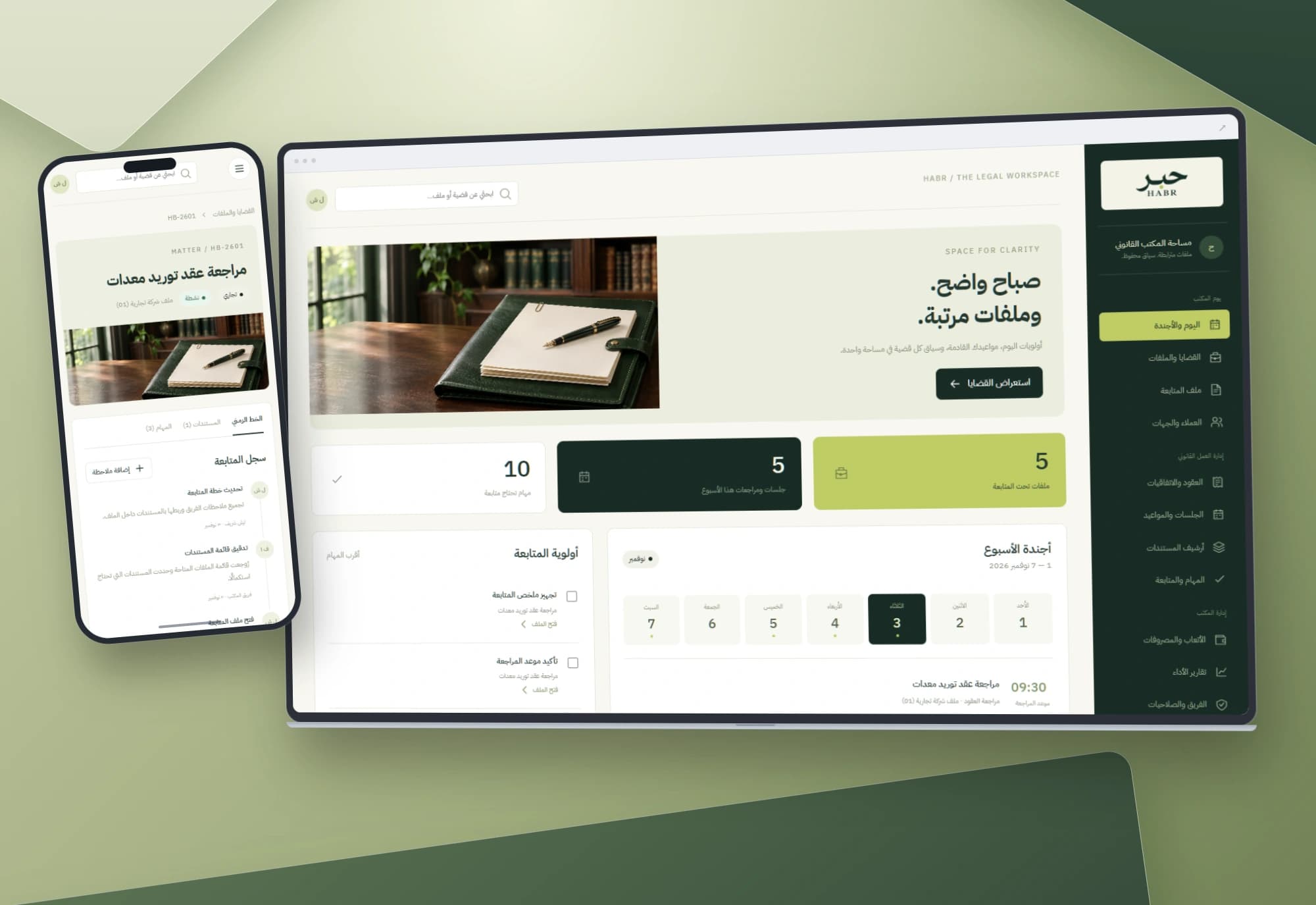
HABR — Legal matters and office workflow interface
Dates, tasks and documents belong to the same matter. An Arabic workspace connects the office agenda to case files and notes, keeping each step in context.
Explore projectNeed a clearer way to present your units?
We start with your team’s workflow, then define the data, permissions and integrations needed for a working system.