
QINTAR — Treasury and transaction review interface
Every balance has a history in its entries. An Arabic treasury interface connects accounts, incoming and outgoing entries and statement items, keeping review details beside the figures.
Explore the project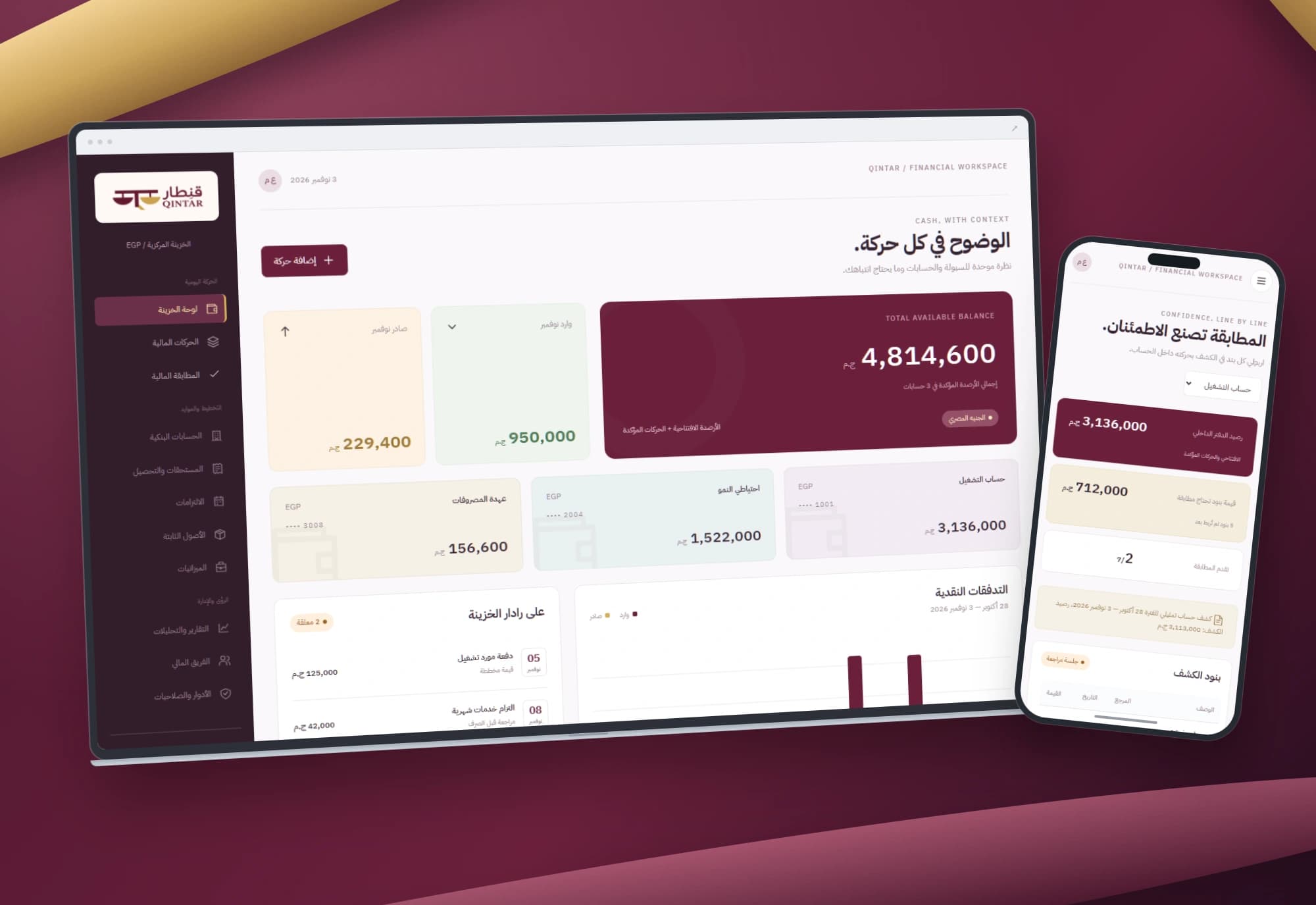 1 / 1
Project information
- Client
- An original Nextwave project
- Sector
- Financial services & FinTech
- Platforms
- Web
- Project type
- Business systems
Services delivered
Project overview
A balance alone does not explain what happened. QINTAR keeps the next questions close: which entries created the figure, and which items need review? The treasury overview leads into the ledger and the item that needs attention.
Where the design starts
A tidy treasury dashboard can still obscure opening balances, confirmed entries and pending items. Statement matching also needs a reason the reviewer can inspect.
The design makes three relationships explicit: accounts and entries, entry status and balance impact, and statement items and their matching ledger records.
How the workspace is organised
The overview connects account balances and cash flow to a filtered entry list and statement-item review. Balances combine opening amounts with confirmed incoming and outgoing entries. Pending entries contribute only after confirmation.
Details that support the workflow
Create an incoming or outgoing entry with a positive amount, account, date and description. Search, filter by account, type, status and dates, and export the results.
Match a statement item to an entry with the same account, direction and amount, create a missing entry, or undo a match for review.
Project images
Explore the interface and experience through the project gallery.
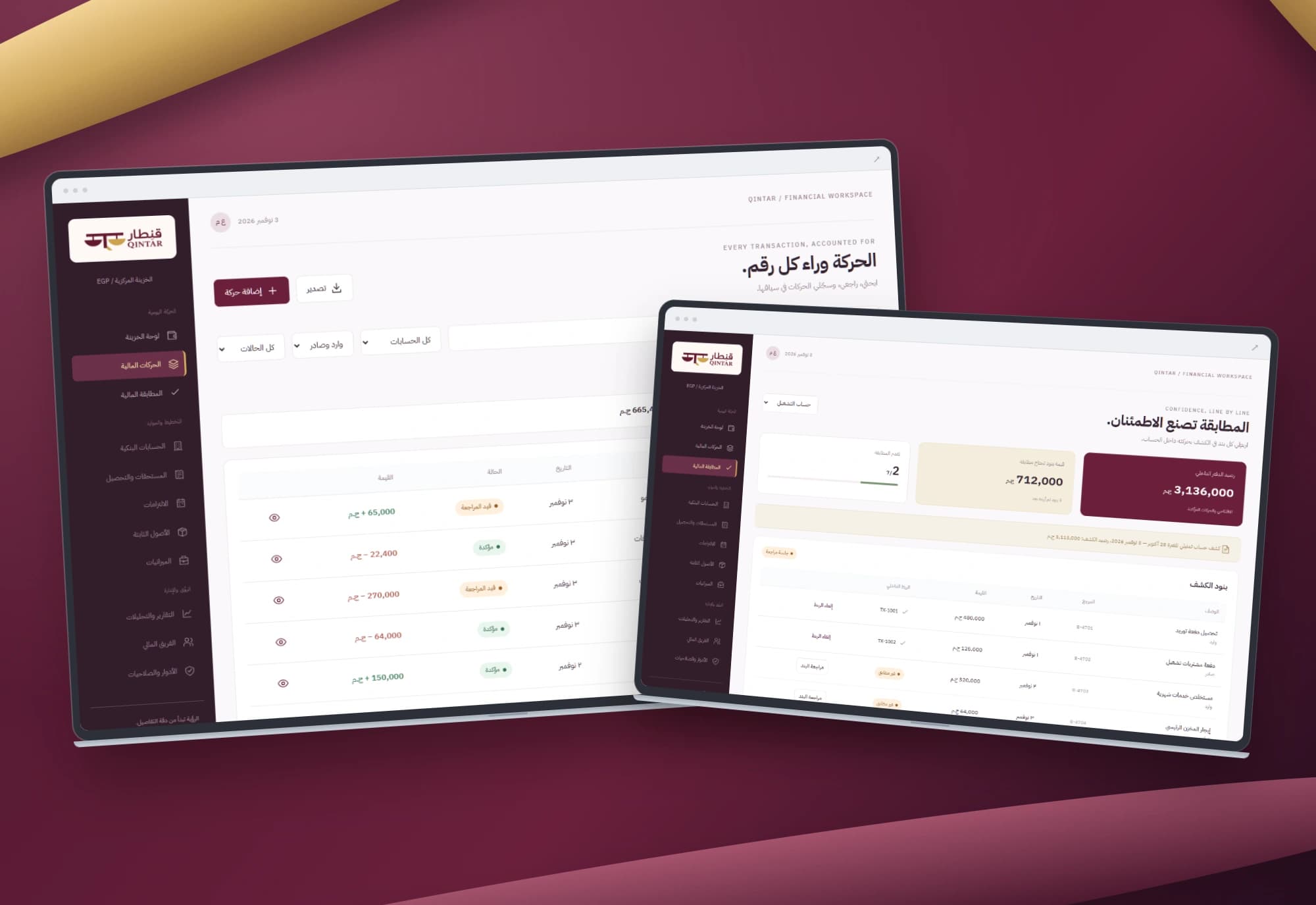 1 / 3
Use case: explaining an account balance
Open an account, narrow its entries by period and direction, then inspect the relevant record. Review a pending entry before confirming it and inspect its balance impact. Separating entry from confirmation explains the figure; confirmation concerns the record’s interface state.
Use case: reviewing a statement item
Compare the statement item’s account, direction and amount with proposed ledger entries, then link the appropriate record. Similar descriptions alone do not justify matching different amounts or opposite directions. Split entries, fees and currency differences need additional accounting rules.
Use case: recording a missing entry
For an item without a corresponding entry, create the record and link it. Undo the match when further inspection is needed. Closing the review session covers the displayed items and matching conditions. Complete accounting reconciliation requires reviewing both sides and resolving their differences.
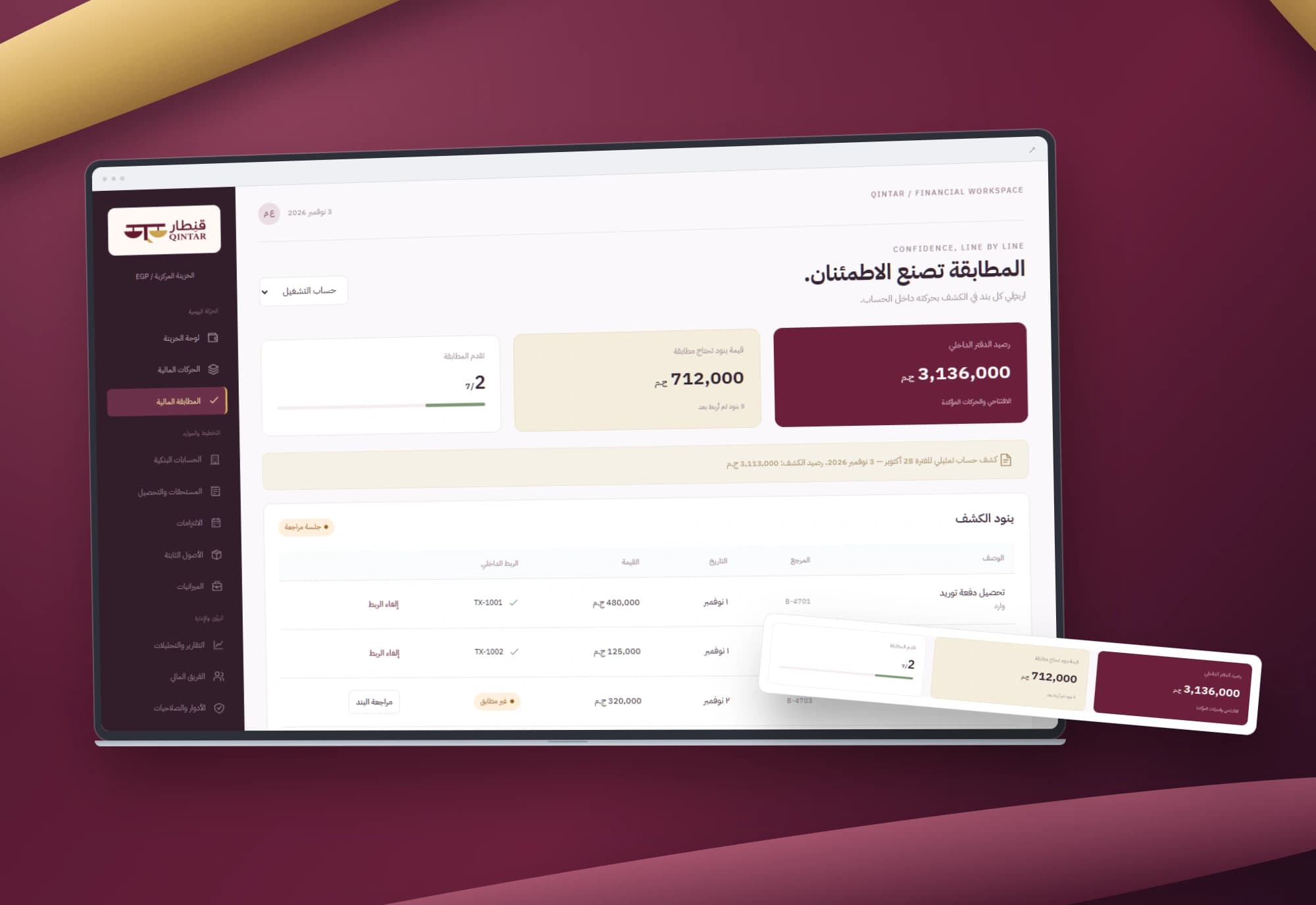
A design that explains itself
Burgundy and pale gold frame the workspace. Direction is communicated through labels, signs and colour, while numbers retain a readable order inside the Arabic interface.
Account cards adapt to mobile and tables use contained scrolling. The mockups preserve original interface pixels against a dedicated brand backdrop.
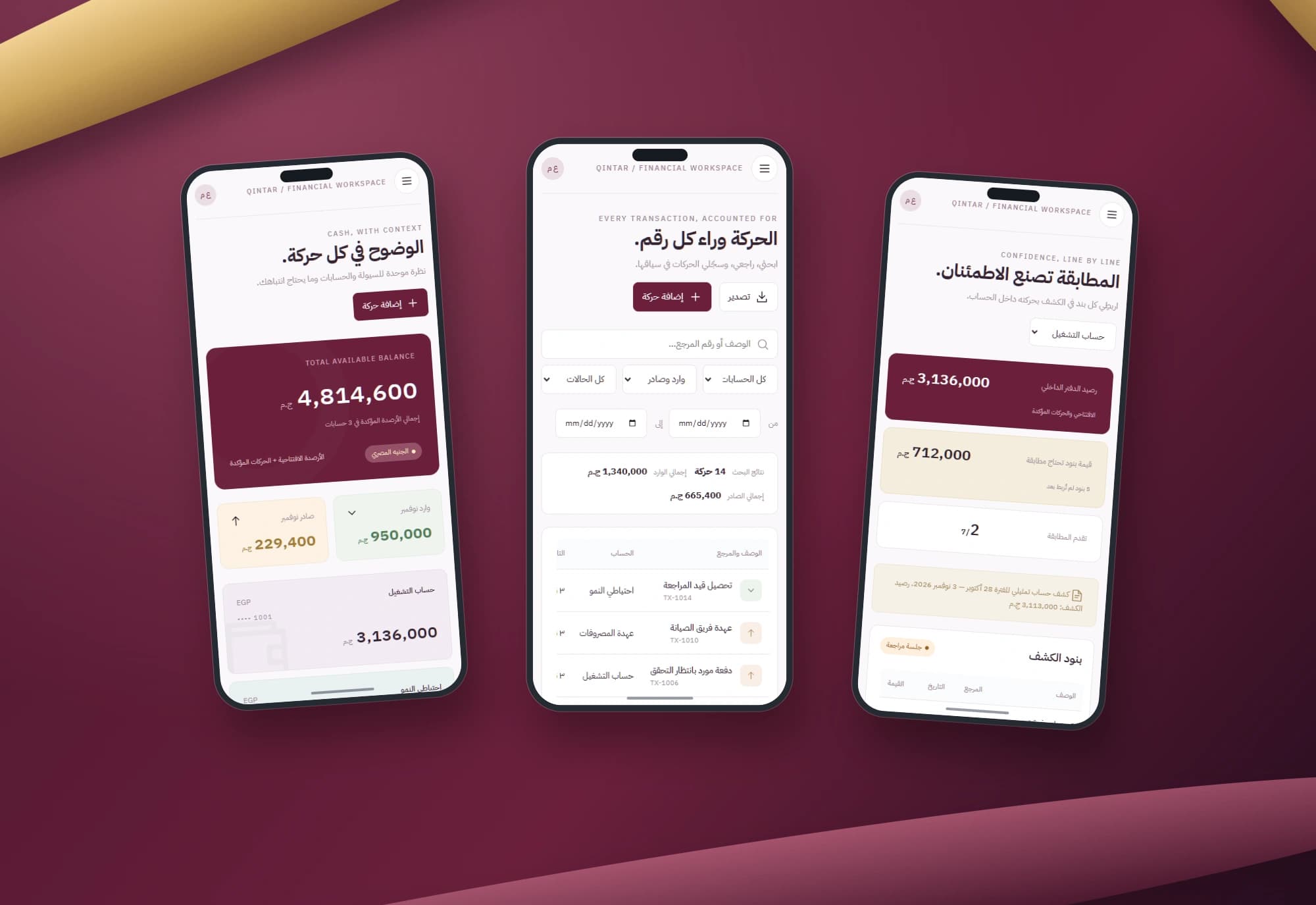
Scope of work
The work covers treasury, entry and review interfaces, balance calculations, filters, exports and browser persistence. Matching focuses on connecting statement items to ledger records. Bank connectivity, access controls and audit records belong to a separate implementation scope.
Built with
- HTML5
- CSS3
- JavaScript
- localStorage
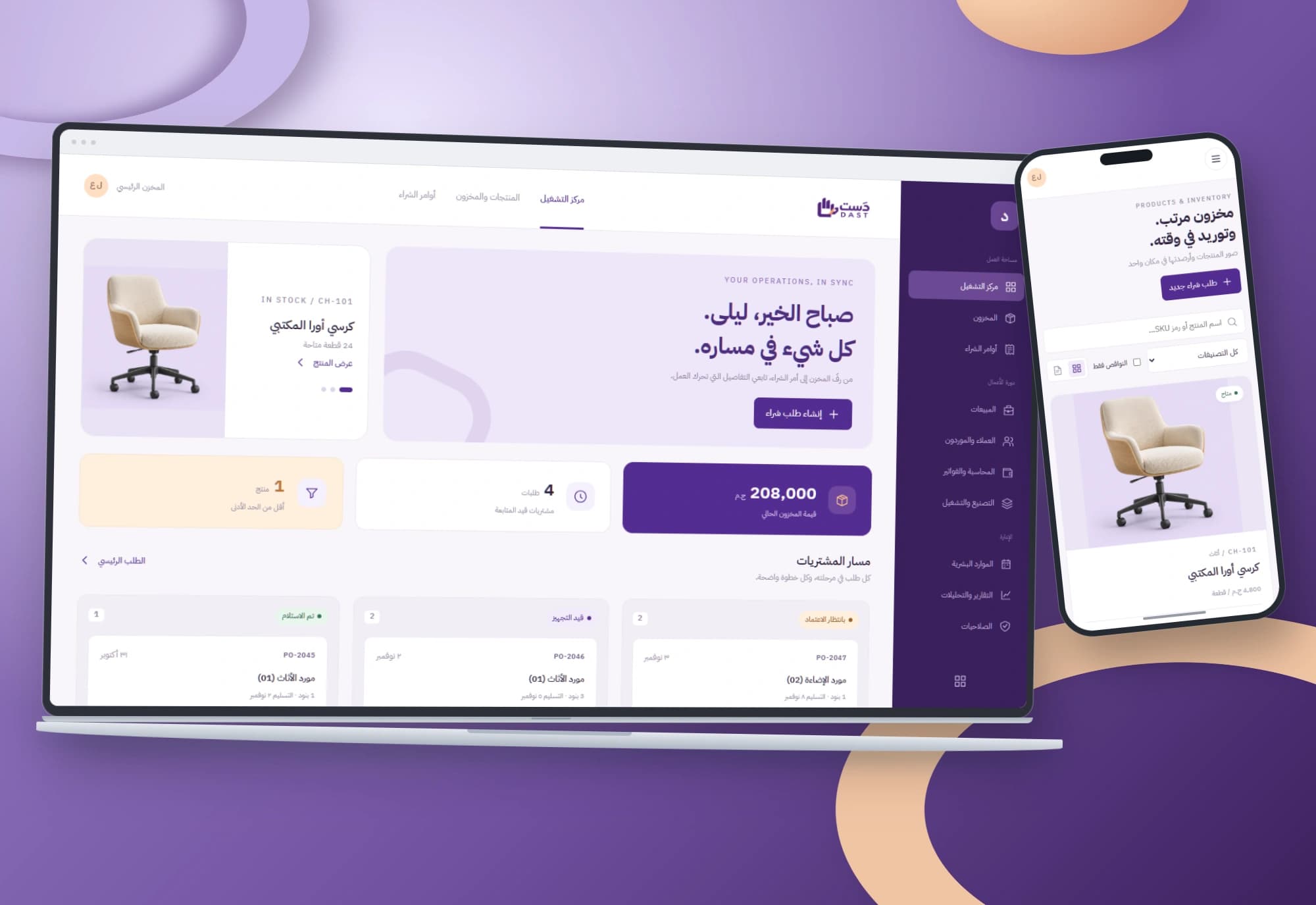
DAST — Purchasing and inventory interface
Every order has a path and every item has a balance. Arabic interfaces connect low-stock alerts, purchase-order review and receipt of its line items.
Explore project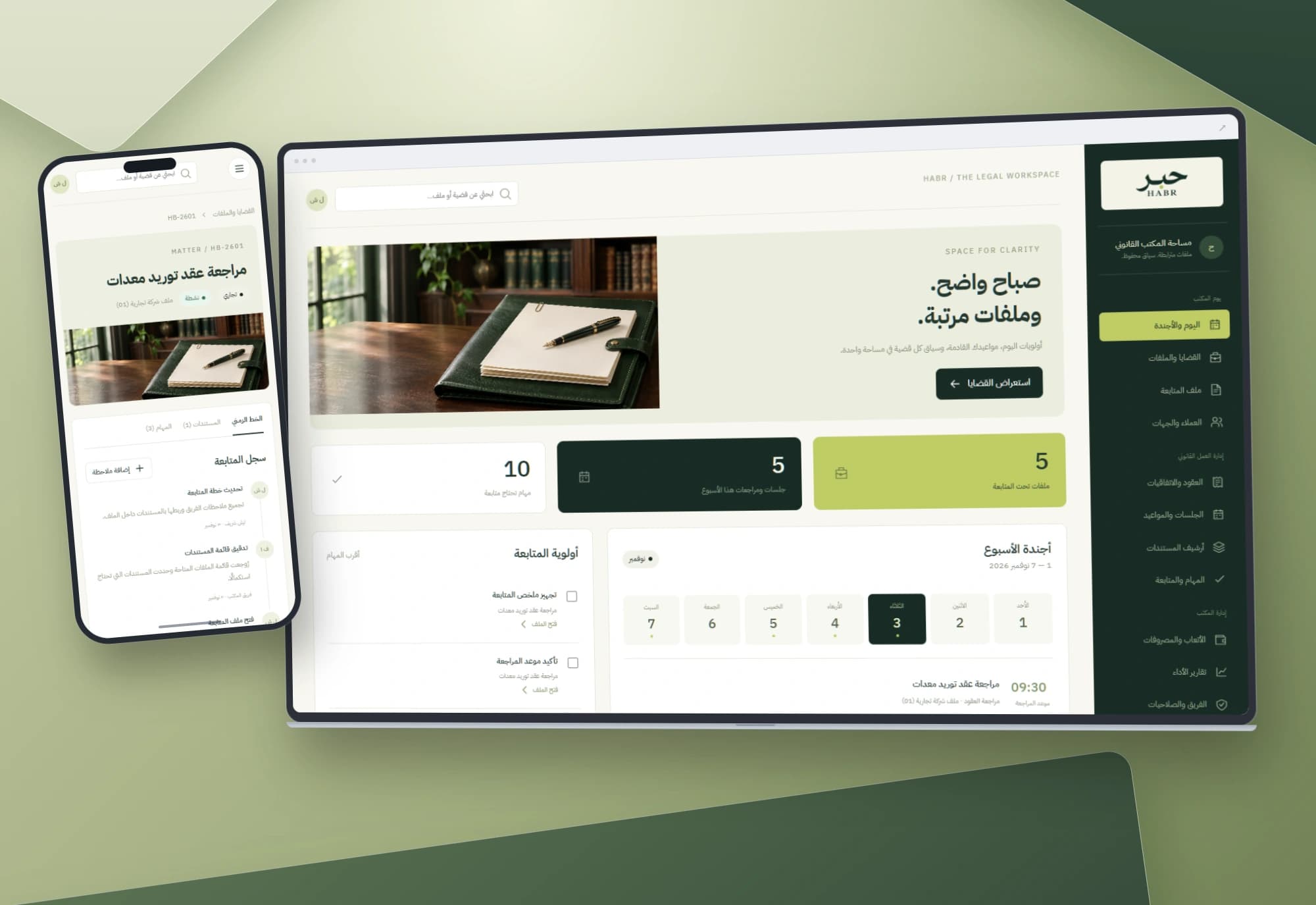
HABR — Legal matters and office workflow interface
Dates, tasks and documents belong to the same matter. An Arabic workspace connects the office agenda to case files and notes, keeping each step in context.
Explore projectNeed a clearer view of your cash movements?
We start with your team’s workflow, then define the data, permissions and integrations needed for a working system.