
BRIXEL — Construction planning and cost tracking interfaces
A task may be complete while its costs still need review, or due soon while waiting on earlier work. BRIXEL brings timing, dependencies, progress and expenditure into one Arabic planning workspace.
Explore the project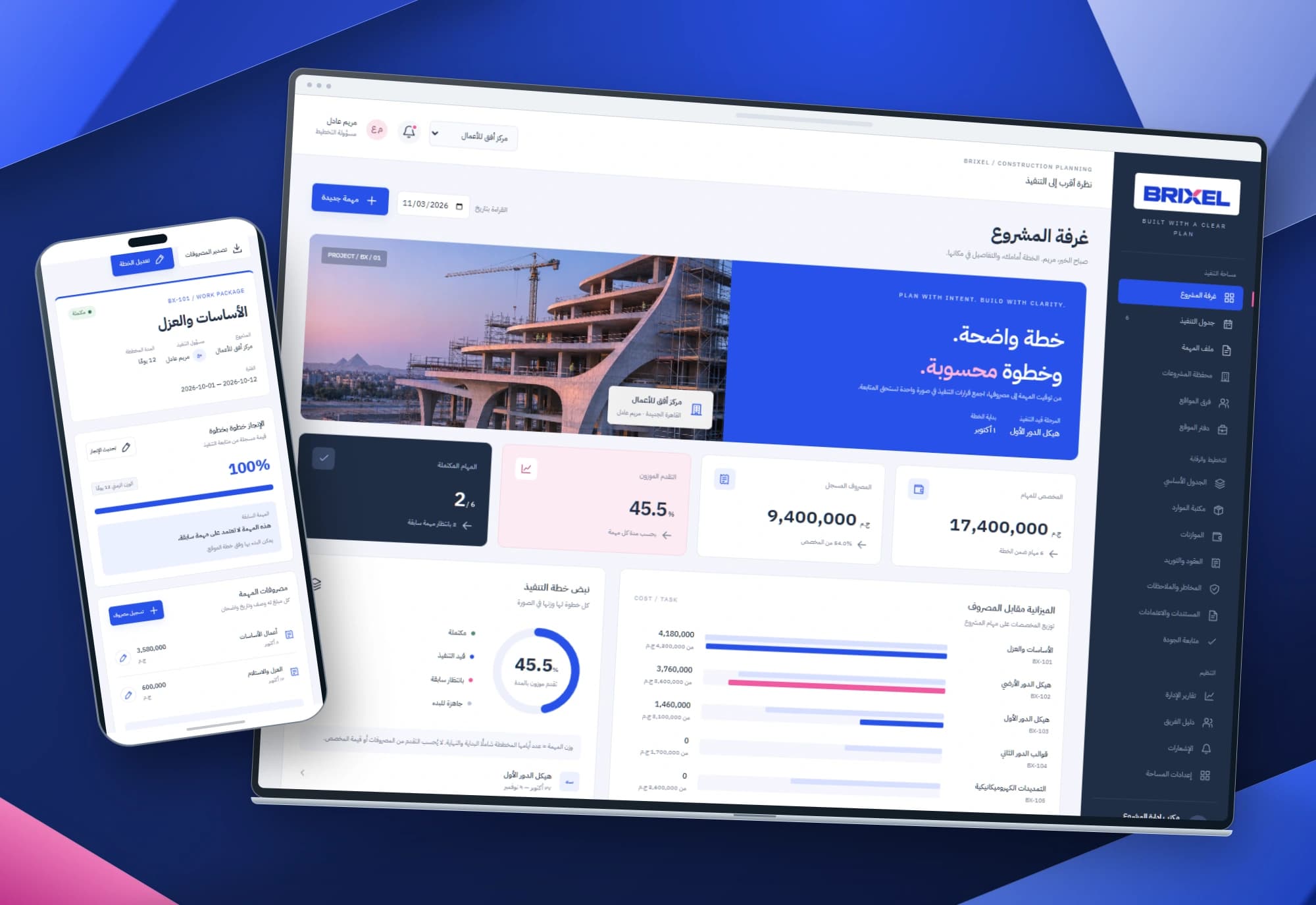 1 / 1
Project information
- Client
- An original Nextwave project
- Sector
- Construction
- Platforms
- Web
- Project type
- Business systems
Services delivered
Project overview
Construction follow-up needs more than a completion figure. The team needs to see what is finished, what depends on earlier work and where expenditure belongs. BRIXEL starts with the daily review: an overview that leads to the task and context behind each number.
Three readings of the same task
Completion describes work performed, dates place it in a plan, and expenditure describes cost. Combining them into one percentage can hide useful distinctions: higher spending does not establish greater progress, and an unstarted task may be waiting on its predecessor.
The design separates these measures and keeps dependencies beside the task details. A reviewer can move from the overview to the schedule or individual record to inspect dates, responsibility, progress, costs and change history.
An overview, a schedule and a record for each task
The project room switches between workspaces and displays allocation, expenditure, duration-weighted progress and completed tasks. Comparison bars expose the distribution behind the total. The starting register contains three projects and 13 tasks, with new tasks added to the selected project.
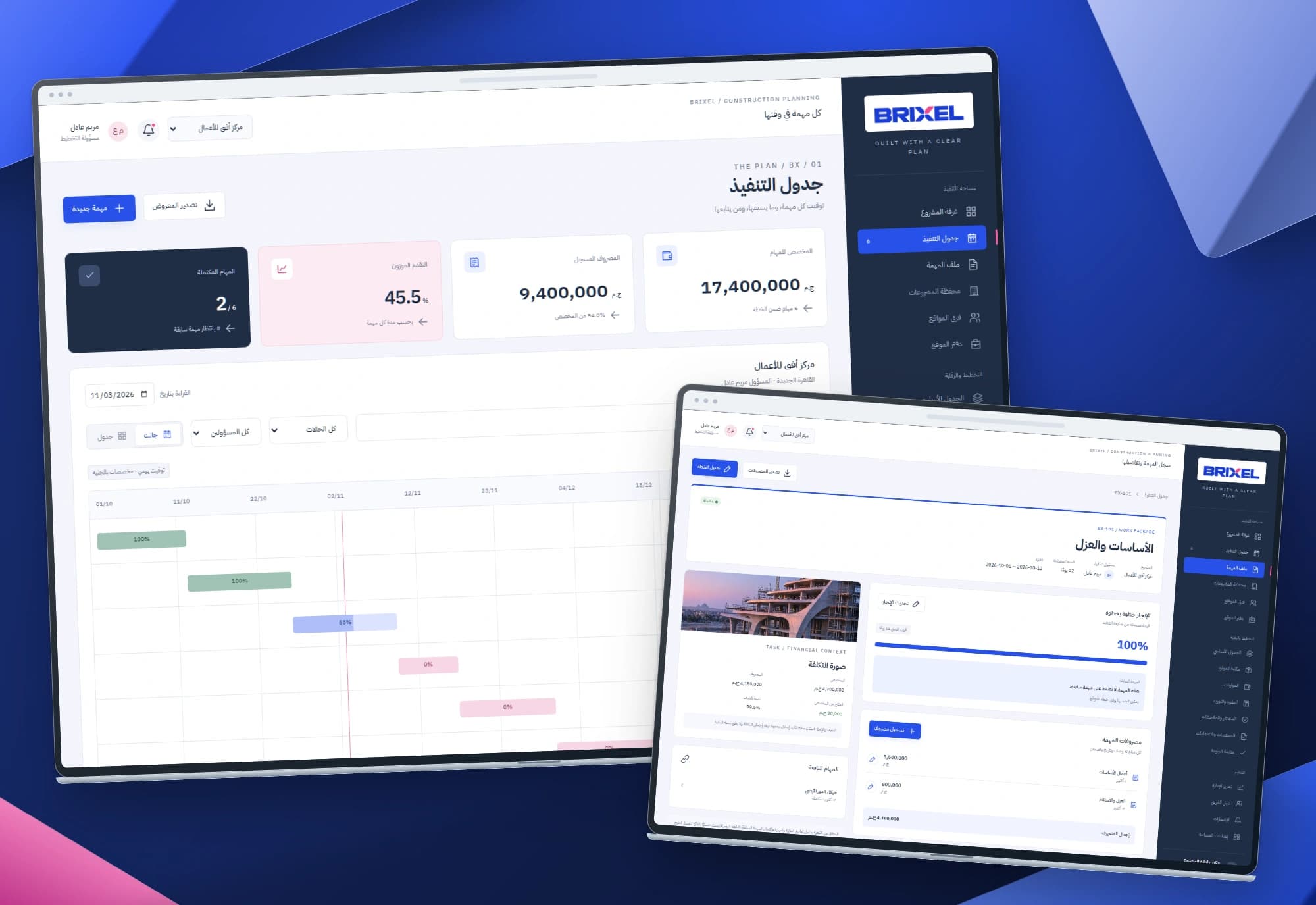
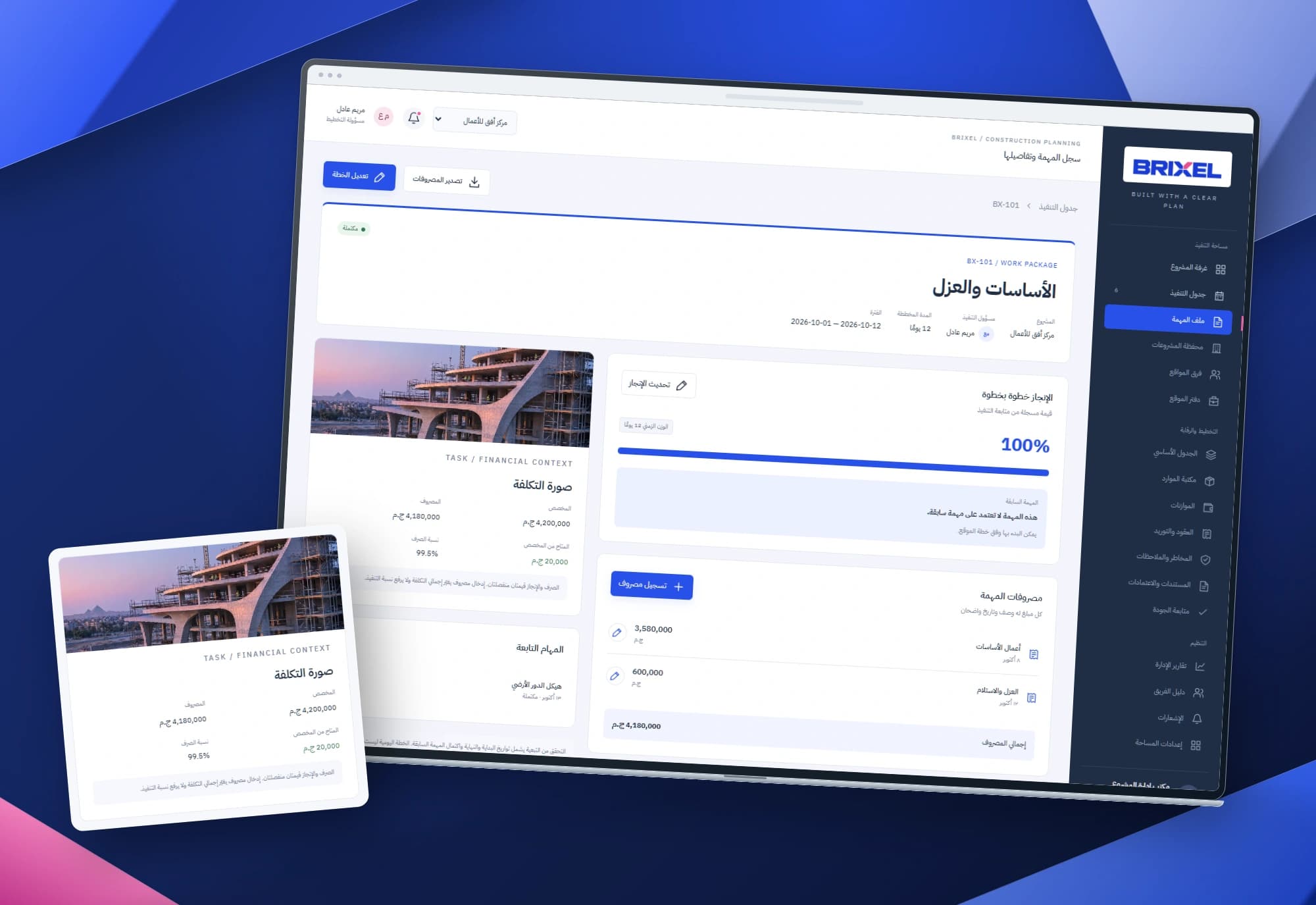
The schedule offers Gantt and table views with search, status and owner filters. Each task record brings its plan, predecessor, progress, costs and reviews together. Project progress uses inclusive planned task durations as weights and remains separate from money.
Rules that keep the plan consistent
A task must start after its predecessor ends, and dependencies stay inside the same project. Circular chains are rejected. Editing a predecessor cannot invalidate existing dependent dates. Progress requires the earlier task to be complete, and a predecessor cannot regress once a dependent has started.
Amounts are stored in integer cents. Expense corrections require a reason and retain old/new values; overspending is displayed explicitly. Register exports follow the current filters, and task expenses have their own export. A failed save keeps the form and inputs without committing a partial change.
Project images
Explore the interface and experience through the project gallery.
 1 / 3
Use case: scheduling work after a predecessor
The planner selects a project, enters the task, owner, allocation and dates, then chooses its predecessor. A start on or before the earlier task’s end keeps the form open with the conflict explained. A dependency chain that loops back to itself is rejected before saving.
The valid task appears in the schedule with its predecessor reference. Recording progress remains blocked until the earlier work is complete. The relationship survives navigation and reload, and once the dependent has started its predecessor cannot regress. Other dates do not shift automatically; reviewing the wider schedule remains an explicit planning decision.
Use case: reviewing cost without rewriting progress
The reviewer records an expense with its description, amount and date. Expenditure and remaining allocation change; the recorded completion percentage does not. Paying for work does not by itself establish that the work is finished.
A correction requires a reason and keeps the old/new amount in the history. Totals are recalculated, and spending above the allocation produces an explicit over-budget amount rather than a silent budget increase. Expenses can be exported for separate review. The interface does not execute a payment or an external accounting entry.
Use case: preparing a daily plan review
The manager selects a project and reading date. A task becomes overdue when its planned end precedes that date and completion remains below 100%. The alert leads into the schedule, where search, owner and status filters focus the review.
Switching between Gantt and table preserves the selection, and each task opens its dependencies, expenses and history. Export includes exactly the visible rows. Mobile scheduling stacks task names, dates and bars into a readable vertical arrangement for reviews away from a desk.

A visual language grounded in construction
Electric blue leads actions, navy anchors the navigation and selected indicators, and pink distinguishes progress and specific waiting or over-budget states. Architectural imagery establishes context while numbers and comparisons keep their own space.
Four mockups use original screens: overview with phone, schedule with task record, mobile views and a financial detail. Interlocking geometric background forms echo construction without placing text outside the interfaces.
Implemented scope
The work comprises three connected HTML, CSS and JavaScript interfaces with browser-local storage. It implements dependency, date, progress and expense rules, corrections, exports and responsive/keyboard behaviour. The sidebar outlines broader modules; the project room, schedule and task record define the implemented interaction scope. Shared team operation, critical-path calculation, accounting integration, documents and access control require separate backend work. Displayed projects, people and figures are interface data rather than verified customer outcomes.
Built with
- HTML5
- CSS3
- JavaScript
- localStorage
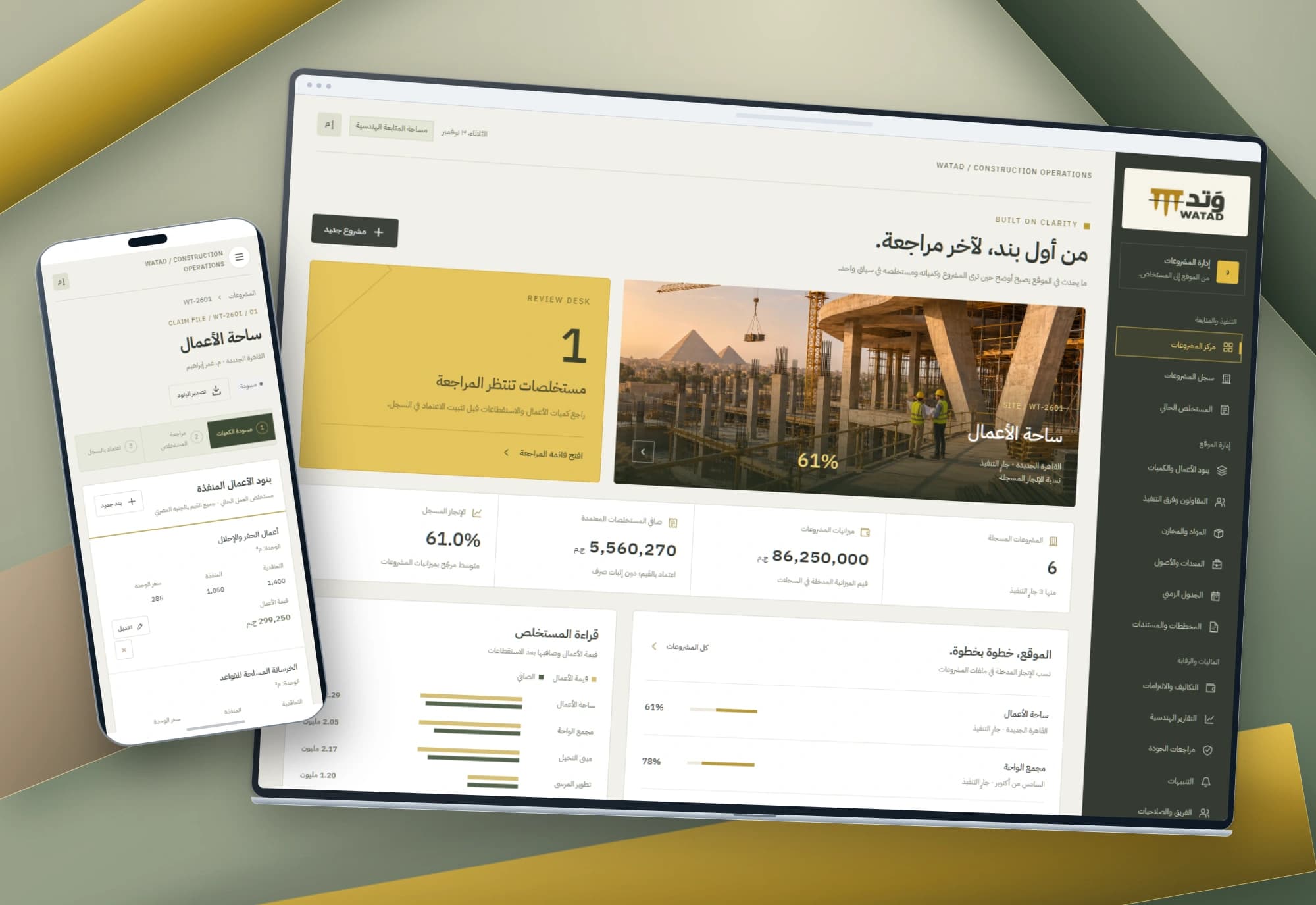
WATAD — Construction project and work claim interfaces
Every work claim starts with a line item, quantity and rate. WATAD connects project records to executed work, deductions and net value, with a clear review workflow.
Explore project
DARAJ — Employee performance and development interfaces
Performance reviews begin with people and lead to clear next steps. DARAJ connects an employee directory with individual skills, dated reviews and a development plan.
Explore projectNeed a clearer view of your project plan and costs?
We start with how your team plans tasks and reviews dates and expenses, then define the data, permissions and integrations required for operation.